Table of Contents
Since October 12, Google Ads can find coupons and deals on your website and add them to your Search and Performance Max ads without you creating anything. The feature is on by default for eligible campaigns. If you track promotions with dedicated codes, landing pages or UTMs, an offer you meant for email subscribers or one partner can now appear in a paid search ad, a month before Black Friday. This guide covers what changed, what it does to your tracking, and what to check.
Status checked: October 26, 2026. The change was announced in an email to some advertisers, first reported by Search Engine Roundtable on October 5. Google's account level automated assets help page now lists automated promotions, but Google has published no announcement post or changelog about the default.
What Google changed
Automated promotions are a type of account level automated asset. Google's email says that starting October 12, 2026, it will "automatically identify and extract high-quality promotions, such as coupons and deals, from your website" and apply them to your campaigns "without requiring any manual setup on your part." The promotion assets help page goes further and says the feature sources offers "from your website and other sources", without naming the other sources.
The feature itself is not brand new. PPC News Feed noted it in early September and a help page describing it was spotted on September 7. What changed on October 12 is that eligible campaigns are enrolled automatically, and you have to switch it off yourself.
What we know and what we do not
| Question | Answer as of October 26 |
|---|---|
| Which campaigns are affected? | Search and Performance Max campaigns with linked location assets. Google's email says it "currently" only applies to these |
| What if I already run promotion assets? | Campaigns with their own promotion assets are excluded |
| Which advertisers got it? | The email went to "some advertisers". Google has not said how many, or in which countries and languages |
| Where does a click on the promotion go? | Not stated. Manual promotion assets have their own final URL; Google has not said which URL an extracted promotion uses |
| Will it show promo codes? | Not stated for automated promotions. Manual promotion assets can carry a code, so assume an extracted one can too |
| How does Google judge a "high-quality" or expired offer? | Not stated |
| Can I turn it off? | Yes, at account level, at any time. No campaign-level switch has been documented |
| Can I see what it created? | Yes, once a promotion has served. In the Assets report, filter Added by to Google AI |
What it does to your tracking
Promo codes stop meaning one channel
Many stores attribute sales by code: WELCOME10 for email sign-ups, PODCAST20 for a sponsor, a creator code for an influencer. If Google finds one of those codes on your site and puts it in a search ad, orders using it are no longer proof the sale came from that channel. Commission payouts and channel reports based on code redemptions will over-credit the original partner. Nothing in GA4 will flag it, because the order still records the same code.
The click may land on a page you did not pick
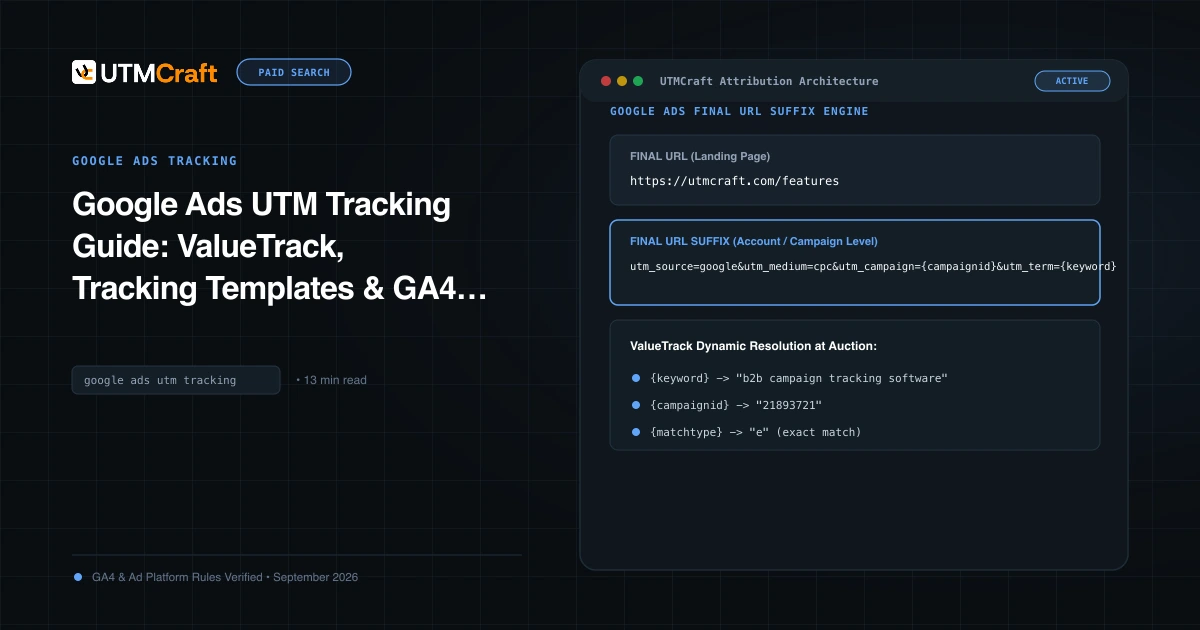
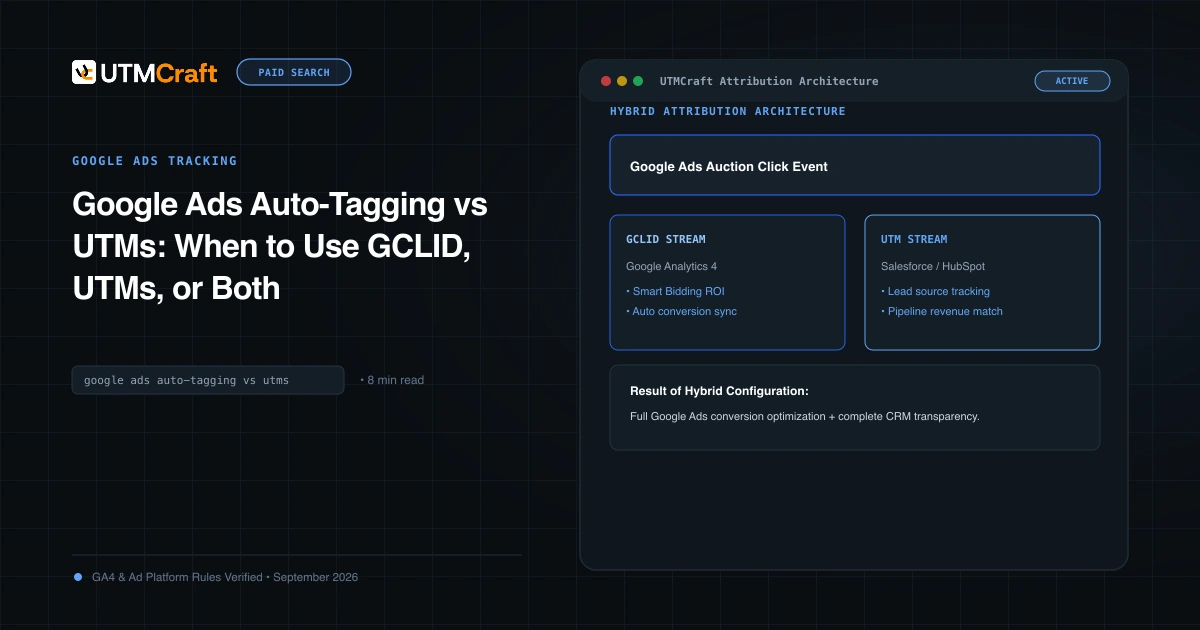
Your Google Ads UTMs usually live in the ad's final URL or the campaign's final URL suffix. A promotion asset Google created was never given those, and Google has not said which URL it links to. With auto-tagging on, the click still carries a gclid, so GA4 should still credit Google Ads. If you rely on UTMs alone, or send Google Ads data to a CRM or BI tool that reads utm_campaign, those clicks may arrive untagged or tagged differently. Our auto-tagging vs UTMs guide explains why running both matters.
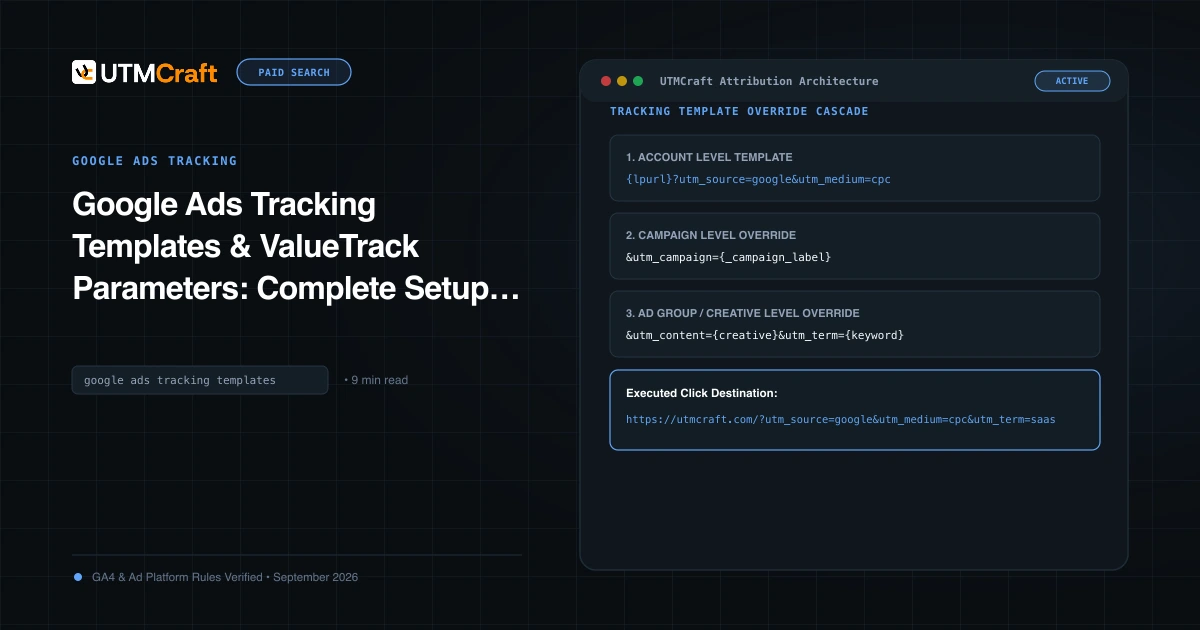
Settings you add at account level, such as an account-level tracking template or final URL suffix, are the ones most likely to reach an asset you did not create. Campaign and ad group suffixes only help if the asset is attached at that level. See Google Ads tracking templates for how the levels override each other.
Sale landing pages get traffic you did not plan
If a promotion links to your sale page, that page starts receiving paid search sessions with a Google Ads campaign name you never associated with it. Landing page reports, A/B tests and page-level ROAS calculations for the sale page will mix in this traffic from October 12 onward. An offer that ended but stayed on a page can also be picked up, and Google has not said how it detects expired offers.
Should you turn it off?
| Turn it off if | Consider leaving it on if |
|---|---|
| You attribute sales, commissions or affiliate payouts by promo code | Your site shows only public, sitewide offers that you would happily advertise |
| Your site has codes for specific audiences: email, students, staff, partners | You already run manual promotion assets on the campaigns that matter (those are excluded anyway) |
| Old offers stay visible on blog posts or landing pages after they end | You remove ended offers from the site on time |
| You run landing page tests on sale pages before Black Friday | You judge Google Ads on store revenue and can afford a measured test |
A middle path: turn automated promotions off, then add your own promotion assets with the code, dates and a tagged final URL you choose. You keep the extra ad space without handing the choice of offer to Google.
How to check and turn it off
- In Google Ads, open Campaigns > Assets. Add the filter Added by: Google AI and the asset type Promotion to see any promotions Google has already created and served.
- Open the three-dot menu and choose Account level automated assets. Find Automated promotions, set it to Off, give a reason and save.
- Repeat for every account. Agencies should check each client account under a manager account, because the setting is per account.
- Google has not said whether switching off removes promotions already attached. Check the Assets report again a day later and pause any that are still serving.
- Write the date and setting into your campaign log, so a later change in the data has an explanation.
Checklist before Black Friday
- List every promo code on your website, including old blog posts, banners and footer bars. Remove or expire the ones meant for a specific channel.
- Set an account-level final URL suffix with your standard UTMs and keep auto-tagging on. Our Google Ads UTM guide has the full setup.
- Give codes for partners and influencers a unique format that is never printed on your site, so a code redemption still points to one channel.
- Store UTMs and the
gclidin a hidden form field or the order record. See capturing UTMs in forms. - Add a GA4 annotation for October 12, and one for the day you changed the setting.
- In a GA4 Exploration, compare Google Ads sessions to your sale and coupon pages before and after October 12. A jump that starts on that date points to automated promotions.
- Click your own ad on a phone search where a promotion shows, and check the final URL in the address bar, as described in how to test UTMs.
This is the third ad platform this month to switch on an automated change by default. The same kind of checks apply to Meta product browsing from October 28 and ChatGPT Ads creative enhancements.
Quick answers
Does it affect Shopping, Display or Demand Gen campaigns?
Not according to Google's email, which names only Search and Performance Max campaigns with linked location assets. Google says "currently", so the scope may widen.
Will automated promotions break my UTMs?
Google has not said which URL they use. An account-level final URL suffix and auto-tagging are the safest ways to make sure every click is still tagged.
Do I pay for clicks on automated promotions?
Google's help page says showing automated assets is free and that you are charged as usual for clicks on the ad and some asset interactions.
I do not use location assets. Am I affected?
Not by this rollout, based on Google's email. Check the account level automated assets settings anyway, because the setting may still be listed as on.
For the broader setup, read Discord Launches Ads Manager and Mobile Video Quests. Browse the Advertising News & Updates guides to choose another troubleshooting task.
References
- Google Ads to automated promotions for Search & PMax campaigns soon (Search Engine Roundtable)
- Google Ads will auto-apply website coupons to some campaigns from October 12 (PPC Land)
- About account level automated assets (Google Ads Help)
- About promotion assets (Google Ads Help)
- Collect campaign data with custom URLs (Google Analytics Help)