Table of Contents
At the end of October, ChatGPT Ads will start rewriting your ads automatically unless you opt out. OpenAI's new "creative enhancements" can generate new headlines and descriptions, translate them, resize images and, most importantly for anyone who tracks campaigns, send the click to a different page on your site. This guide explains what changes, what it does to your UTM data, and how to decide whether to keep it on.
Status checked: October 21, 2026. The feature is documented in OpenAI's help center and was reported from an advertiser email by Search Engine Roundtable on October 20 (Search Engine Roundtable). If you run ChatGPT Ads, check your own Ads Manager settings rather than relying on the dates below.
What OpenAI is changing
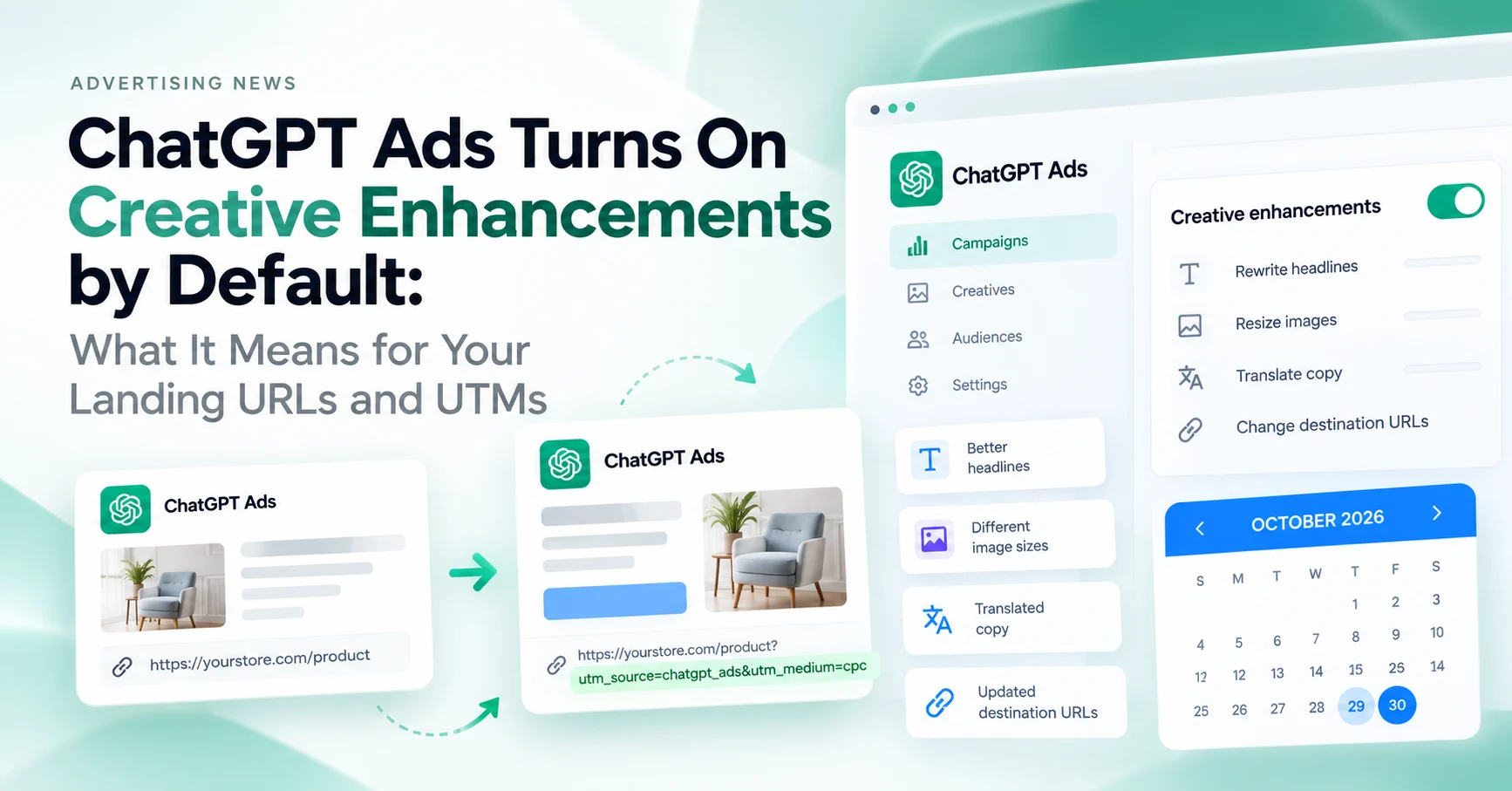
Creative enhancements use your existing ad and landing page content to adapt the ad to the conversation it appears in. OpenAI's help article says variations "may be prepared in advance or created in real time" and that enhanced ads "can run automatically without your review or approval" (OpenAI Help Center). There is no preview of every variation.
| Enhancement | What OpenAI says it does | Tracking impact |
|---|---|---|
| Headlines and descriptions | New or updated text that connects your offer to the conversation or the user's interests | The ad you tagged is no longer the ad people see; copy-level analysis in utm_content stops being reliable |
| Translation | Ad text may be translated into another language | Non-English clicks land on English pages unless you have localized pages and a way to route them |
| Image resizing | Images resized to fit the ad format | None for tracking |
| Destination URL | "May be optimized to direct people to a relevant page on your website" | The landing page you tagged may be bypassed; OpenAI does not say whether query parameters are kept |
OpenAI's example is a grocery ad whose headline "Fresh groceries delivered" becomes "Groceries for quick weeknight dinners" inside a conversation about weeknight meals. The same logic applied to URLs could send a pricing-page ad to a recipes page if the model judges it more relevant.
Which date applies: October 29 or 30?
Two dates are in circulation. OpenAI's help article says enhancements are "enabled automatically" for new and existing campaigns starting Thursday, October 29, 2026. The advertiser email quoted by Search Engine Roundtable says Friday, October 30, 2026, for self-serve campaigns. Both sources agree that you can opt out before the switch and change the setting at any time afterwards, and that existing account-level and campaign-level opt-outs are preserved.
The practical answer: if you want to be sure your ads are untouched, opt out by October 28.
The destination URL problem
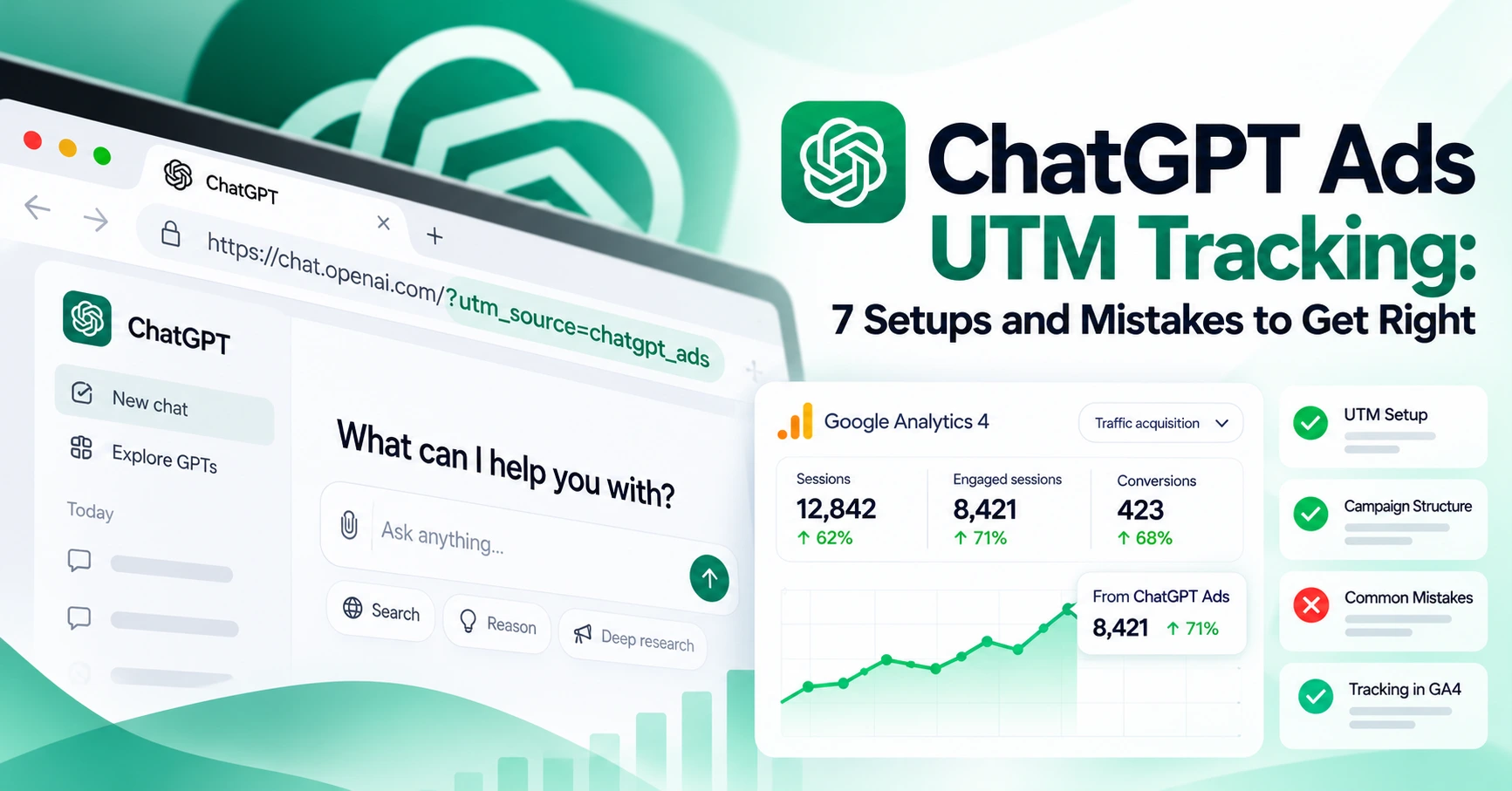
This is the change that matters for attribution. In the current setup, you tag ChatGPT ads either by pasting a tagged URL into the ad or, better, by using the Landing page query parameters field at campaign, ad group or ad level, which OpenAI fills in at delivery time with macros such as {campaign_id} and {ad_id} (OpenAI, Measure Results). Our ChatGPT Ads UTM guide covers both methods.
Creative enhancements add a third actor that can change the destination. OpenAI has not published how a changed URL is built, so three outcomes are possible:
- Parameters are re-applied to the new page. The best case. Your UTMs and OpenAI's click identifier arrive on the new URL, and only the landing page changes in GA4.
- Parameters from the ad URL are dropped, campaign-level parameters survive. Plausible, because the query parameters field is a separate setting from the URL. Ads tagged only in the ad URL would lose their tags.
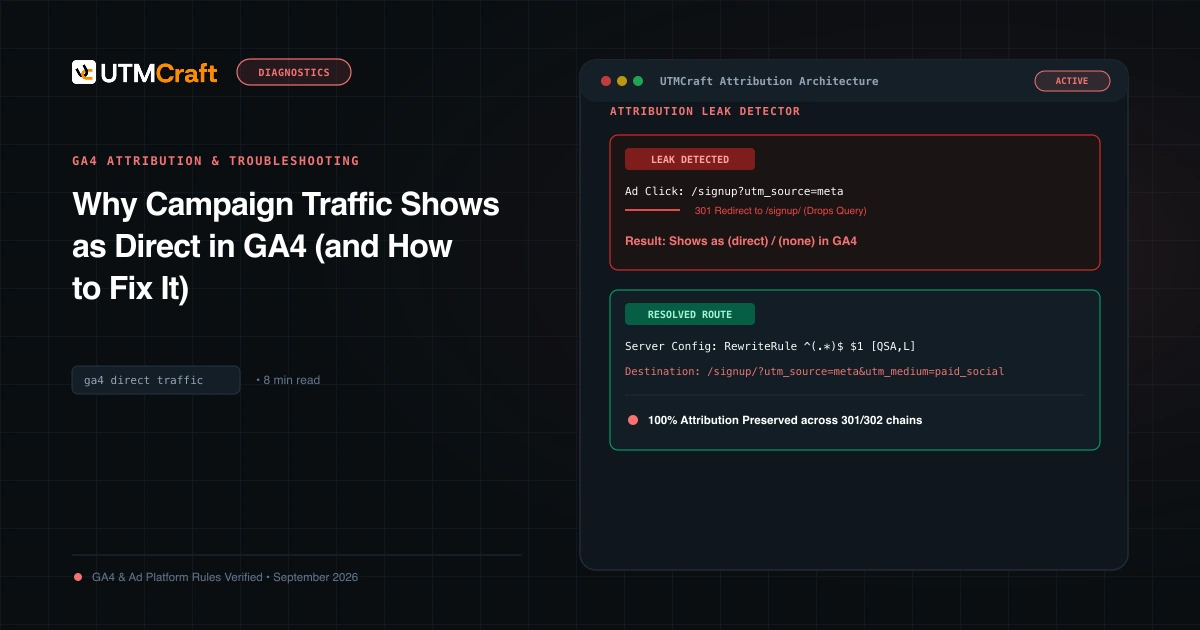
- The new page arrives untagged. The worst case. ChatGPT clicks from the app often carry no referrer, so an untagged click is recorded as
(direct) / (none)(Google), and the AI Assistant channel never sees it.
You will not know which outcome applies to your account until enhanced ads serve. Plan to find out in the first 48 hours rather than at month end.
How to detect rerouted clicks in GA4
- Open a free-form Exploration with Landing page + query string as rows and filter Session source to your ChatGPT Ads value. Any landing page you never set as a destination is an enhanced URL. Check whether its query string still contains your tags.
- Compare Direct sessions on your ChatGPT landing pages for the week before and after the switch. A rise in Direct on exactly those pages points to untagged rerouted clicks, the same pattern described in the October ChatGPT tag bug.
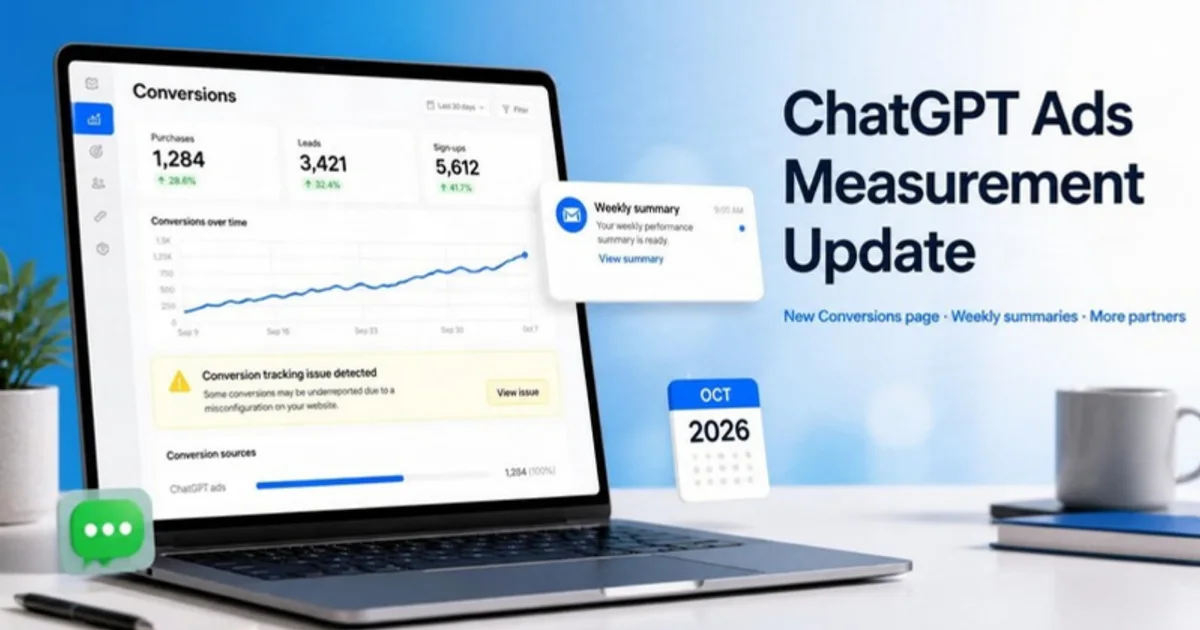
- Check the Conversions page in Ads Manager. OpenAI still counts the click, so a gap between Ads Manager clicks and GA4 ChatGPT sessions that opens on October 29 or 30 is the signature of lost parameters. See what the new Conversions page shows.
What rewritten copy does to utm_content
Many teams encode the creative concept in utm_content, for example utm_content=pricing_headline_a. After the switch, that value describes the ad you wrote, not the variation the user saw. OpenAI's reporting covers campaign, ad group and ad level; its help article does not say that individual enhanced variations are reported separately, and it warns that performance changes "do not, on their own, establish the effect of creative enhancements."
Fix: move utm_content to the {ad_id} macro so it identifies the ad object rather than the copy, and keep your creative notes in a sheet keyed by ad ID. If you need to measure the enhancement itself, run a campaign with the setting off against one with it on, with everything else equal, and compare at campaign level in GA4 and in Ads Manager. Guidance on how GA4 reads utm_content is in finding utm_content and utm_term in GA4.
Translation and landing page language
Translated headlines will be shown to users who are reading ChatGPT in another language. If the click lands on an English page, expect a lower engagement rate on those sessions. If you do have localized pages, you cannot rely on the enhancement to choose them. Tag the language yourself: put a language code in a custom parameter or in utm_term only if your convention defines it that way, and check Language as a secondary dimension in the Traffic acquisition report after the switch.
Should you opt out?
| Opt out if | Consider leaving it on if |
|---|---|
| Your landing pages depend on query parameters, for example personalised offers, partner codes or gated flows | Every page on the site is a reasonable destination and tracks the same way |
| Copy is regulated or legally reviewed (finance, health, claims that need approval) | You measure at campaign or ad level and do not rely on utm_content for creative tests |
| You run creative tests and need the served copy to match the tagged copy | You have localized pages and can afford a two-week test |
| Your UTMs live in the ad URL rather than the query parameters field | Tags are set in the landing page query parameters field at campaign level |
Most accounts we work with fit the left column for at least one campaign. The setting can be changed per campaign, so opting out account-wide and re-enabling for a test campaign is a reasonable middle path.
How to opt out
- Open Ads Manager at ads.openai.com and choose Manage settings. OpenAI's help article names this option but does not document the full menu path; the advertiser email points to the ad account settings section.
- Turn creative enhancements off at the account level. This becomes the default for new campaigns.
- Review each campaign. Campaign-specific settings take priority over the account default, so a campaign with the feature on stays on.
- Record the date and the setting in your campaign log. If you later see rewritten ads, you will want to know when the setting changed.
- After the switch date, confirm the setting is still off. Defaults sometimes change again, and the weekly account summary email is a good moment to re-check.
Checklist before the switch
- Move all UTMs out of ad URLs and into the landing page query parameters field, using
{campaign_id}forutm_idand{ad_id}forutm_content. - Store the landing page UTMs in a hidden form field or the order record so the CRM keeps the source even if GA4 loses it. See capturing UTMs in forms.
- Decide the setting per campaign and apply it before October 28.
- Build the landing page Exploration now, so the rerouting check takes two minutes on October 30.
- Add a GA4 annotation on the switch date.
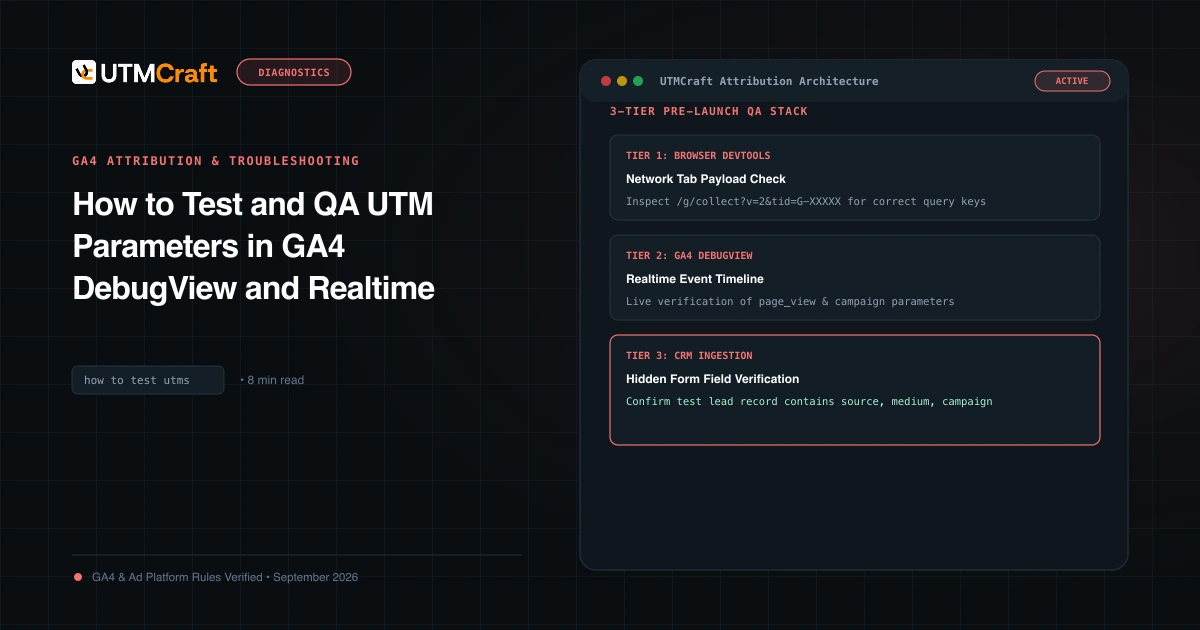
- Click a live ad after the switch and follow the URL through every redirect, as described in how to test UTMs.
Quick answers
Will creative enhancements remove my UTM parameters?
OpenAI has not said. The help article confirms destination URLs may change but does not describe how query parameters are handled. Treat it as unknown and test in the first two days.
Can I see which variation a user saw?
Not in GA4, and OpenAI's help article does not describe variation-level reporting in Ads Manager. Attribute at ad level using {ad_id}.
Does opting out affect delivery?
OpenAI has not published any delivery or pricing difference. Enhancements are positioned as a performance aid, not a requirement.
Is this the same as the visual ad format test?
No. The visual format is a separate US test inside image generation that OpenAI announced on October 5. Creative enhancements apply to existing self-serve text ads.
For the broader setup, read Discord Launches Ads Manager and Mobile Video Quests. Browse the Advertising News & Updates guides to choose another troubleshooting task.
References
- Creative enhancements for ChatGPT Ads (OpenAI Help Center)
- OpenAI Auto Enabling Creative Enhancements In ChatGPT Ads (Search Engine Roundtable)
- OpenAI turns on automatic ad rewrites (PPC Land)
- Measure Results (OpenAI Help Center)
- Understand (direct) / (none) traffic in GA4 (Google Analytics Help)
- Default channel group (Google Analytics Help)