Table of Contents
To compare SMS and email fairly in GA4, tag both channels consistently, use the same attribution model and lookback window for both, compare click-based results over the same dates, and treat platform-reported revenue as a separate number. Most "SMS beat email" or "email beat SMS" claims compare one channel's platform dashboard with the other channel's GA4 report, or they compare two attribution views without noticing it.
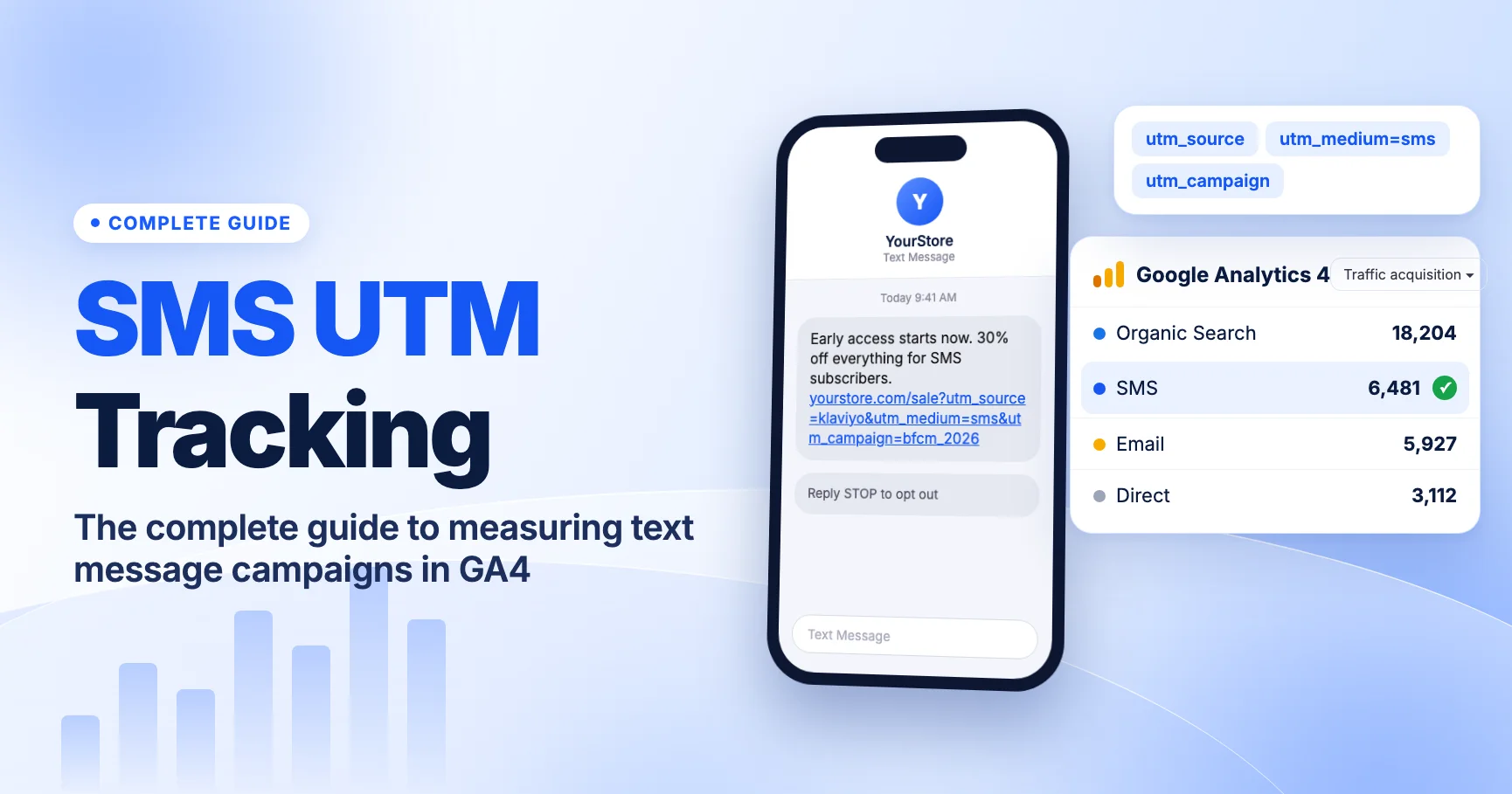
This guide explains what GA4 is actually measuring for each channel, where the attribution settings live, why platform dashboards tell a different story, and a step-by-step method you can repeat every month. It's part of our complete guide to SMS UTM tracking in GA4.
Why SMS and email are hard to compare
SMS and email often go to the same customers, promote the same offer and go out on the same day. A shopper might get the email at 9 a.m., ignore it, get a text at noon and buy at 3 p.m. after searching your brand on Google. Which channel gets credit depends on who's counting:
- Your SMS platform may credit the order to the text.
- Your email platform may credit the same order to the email.
- GA4 may credit it to organic search, to SMS, or split it, depending on the report and your attribution settings.
None of these is "the right answer." Each uses different rules. A fair comparison applies the same rules to both channels.
Step one: tag both channels the same way
Attribution can only credit what GA4 can see. Before comparing anything, check that both channels land in their own default channels:
| Channel | GA4 rule (default channel group) | Recommended tag |
|---|---|---|
| SMS | Source or medium exactly matches sms | utm_medium=sms |
Source or medium is email, e-mail, e_mail or e mail | utm_medium=email |
Source: Google's Default channel group definitions.
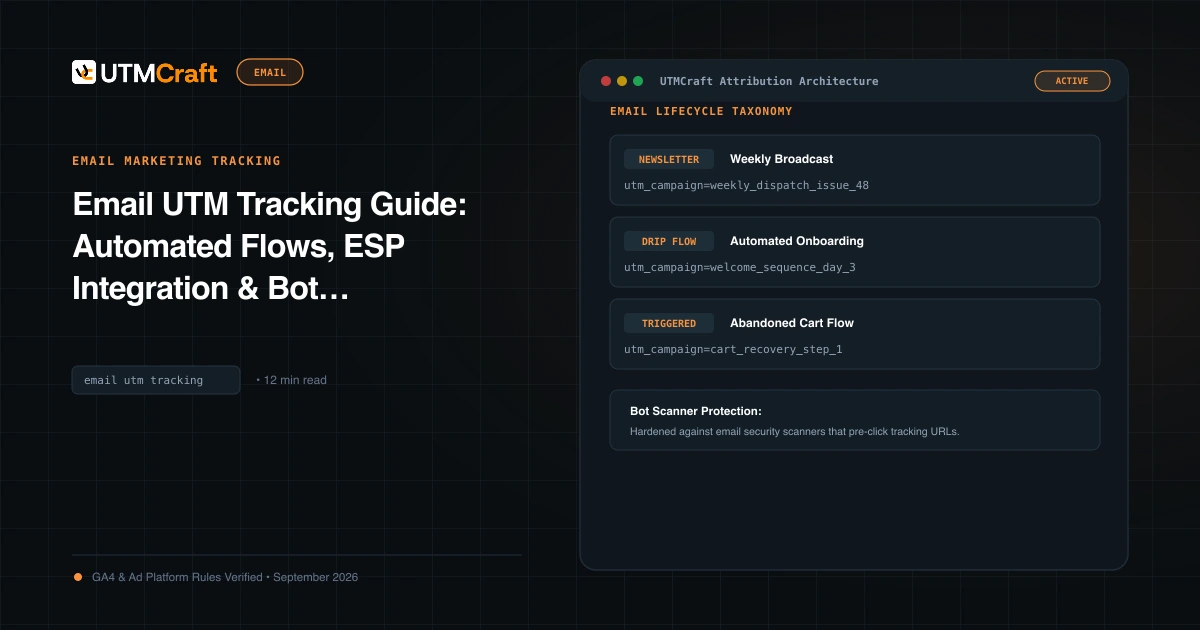
Any mismatch will skew the comparison. Untagged SMS clicks show up as Direct, because text messages open links in the phone's browser without a referrer. Older Klaviyo accounts that still send utm_medium=campaign or flow land in Unassigned. If one channel is half-hidden in Direct or Unassigned, it will look weaker than it is. Fix that first with why SMS traffic shows as Direct or Unassigned and the email UTM guide.
Also use parallel naming. If an SMS send and an email send promote the same offer, give them the same utm_campaign value and let the medium tell them apart. Our SMS UTM naming conventions include templates that line up with email.
Last click vs data-driven attribution in GA4
GA4 offers these reporting attribution models (Get started with attribution):
- Data-driven: splits credit across touchpoints using a model trained on your property's own key event data. This is the default.
- Paid and organic last click: gives 100% of the credit to the last channel clicked before the key event. It ignores direct visits. Google also calls this "last non-direct click."
- Google paid channels last click: gives credit to the last Google Ads click, and falls back to paid and organic last click when there isn't one. It's not useful for SMS vs email.
Google says first click, linear, time decay and position-based models were removed in November 2023.
How this affects SMS vs email depends on where each channel sits in the path. A text sent close to a deadline ("4 hours left") is often the last click. A promotional email that starts the interest days earlier is often an earlier touchpoint. Under last click, the channel closest to the purchase gets all the credit. Under data-driven, earlier touchpoints can get partial credit. Neither model is neutral. Choose one on purpose and use it for both channels.
Which reports use which model
This is the part most comparisons get wrong. Google's documentation on scopes of traffic-source dimensions says:
- Session-scoped and user-scoped dimensions (such as Session medium or First user medium) always use paid and organic last click. Your model setting doesn't change them.
- Event-scoped dimensions (key event attribution) use the reporting attribution model you choose.
In practice, the Traffic acquisition report (session-scoped) and the key event attribution reports in the Advertising section (event-scoped) can show different SMS and email revenue for the same date range. That's expected. Compare SMS to email within one report type, never across them.
Check your attribution settings
According to Google's Select attribution settings article, you need Marketer access or higher on the property. Go to Admin, then under Data display open the Attribution settings page. Google's current steps go through Events first, and labels have moved over time, so check your account. You'll see:
| Setting | Options | Default |
|---|---|---|
| Reporting attribution model | Data-driven, paid and organic last click, Google paid channels last click | Data-driven |
Lookback window: acquisition key events (first_visit, first_open) | 7 or 30 days | 30 days |
| Lookback window: all other key events | 30, 60 or 90 days | 90 days |
Two points from Google's documentation matter here:
- Changing the reporting model applies to historical and future data. You can switch models and re-read the same period.
- The change shows up in key event reports and explorations. Session- and user-scoped dimensions don't change.
Write down which model and lookback window were active when you pulled the numbers. If someone changes the setting later, older screenshots won't match the live report.
Use conversion paths and key events
A single attributed revenue figure hides the most useful part of the story: how SMS and email work together. GA4 has two reports for this in the Advertising section.
- Key event attribution paths (Google Help) shows the sequence of channels before a key event. Credit is split into early touchpoints (the first 25% of the path), mid touchpoints (the middle 50%) and late touchpoints (the last 25%). It also shows days and touchpoints to key event. Filter it to your purchase key event and look for paths that contain both Email and SMS.
- Attribution models (Google Help) lets you compare key event metrics for different models side by side. If SMS gains a lot under last click and email gains under data-driven, that tells you something about each channel's role.
Menu names in the Advertising section have changed over time. If you can't find a report, search for it in the GA4 search bar.
Make sure the key event you're comparing is the one that matters: usually purchase for ecommerce, or a lead event for lead generation. Comparing SMS purchase credit with email add_to_cart credit isn't a fair test.
The view-through problem
Both channels influence people who never click. Someone reads a text on their lock screen, remembers the sale and types your URL an hour later. Someone skims an email subject line and searches your brand name. GA4 never sees the read. It records Direct or Organic Search, because that's the visit it saw.
This works a lot like view-through conversions in advertising, and it affects the two channels differently:
- SMS notifications are often read on the lock screen, so the message can influence someone without a click. That influence is invisible to GA4.
- Email platforms report opens, but open tracking is unreliable in some mail apps that load images automatically. An "open" may not mean a person read the email.
GA4 click-based numbers understate both channels. Platform numbers that include receipt or open-based credit may overstate them. A fair comparison either excludes non-click influence for both channels, or measures it for both with a holdout test (see below).
Platform-reported vs GA4 numbers
SMS and email platforms report revenue using their own attribution rules. These rules usually include a time window after a send or click, and sometimes after an open or delivery. The defaults vary by vendor and can be changed, so check your account rather than assuming. Expect platform totals to be higher than GA4's, and expect SMS and email platforms to both claim the same orders.
| Question | SMS or email platform | GA4 |
|---|---|---|
| What earns credit? | Sends, clicks and sometimes opens, within the platform's window | Tagged sessions (clicks that loaded your site) |
| Does it know about other channels? | Usually not. It only sees its own messages. | Yes, for channels that bring tracked visits |
| Can two tools claim one order? | Yes. Each platform credits itself. | No. Credit is split or assigned once per key event. |
| Affected by consent and blockers? | Less, since orders are matched to subscribers | Yes. Sessions without consent or with blocked tags may be missing. |
| Date used | Often the send or click date. Check your account. | The date the event happened |
Use platform numbers to optimize inside one channel: subject line vs subject line, send time vs send time. Use GA4 numbers to compare across channels, because GA4 applies one set of rules to both.
A fair comparison method
Here's the method we recommend. It takes about half an hour once your tagging is clean.
- Confirm tagging. In Traffic acquisition, check that SMS and Email both appear as channels and that neither has stray sessions in Unassigned. The Unassigned traffic guide helps here.
- Pick one date range that covers similar send volume for both channels. Avoid ranges where one channel ran a big promotion and the other didn't.
- Pick one report type. For a simple last-click view, use Traffic acquisition with Session default channel group. For a model-based view, use the key event attribution reports. Don't mix them.
- Record the attribution settings: model and lookback windows.
- Compare more than revenue. Look at sessions, key events, key event rate and revenue per session. A channel with fewer, more targeted sends may look small on revenue but strong on rate.
- Normalize by volume. Divide GA4 revenue by messages sent (from each platform) to get revenue per message. Clicks per message also helps. This accounts for list size and send frequency.
- Check the paths. In the attribution paths report, see how often SMS and email appear in the same path. If they often appear together, the two channels support each other rather than competing.
- Switch models and re-read. Look at the attribution models comparison. If the ranking flips between last click and data-driven, say so in your report instead of picking the model that favors one team.
- Report platform numbers separately, labeled as platform-attributed. Never add SMS and email platform revenue together; they overlap.
The strongest test: a holdout
If you need to know how many extra orders a channel causes, run a holdout. Randomly exclude a small group of subscribers from one channel's sends for a fixed period. Compare that group's orders (from your store data, not GA4 sessions) with the group that did get the messages. The difference estimates what the channel really added, including non-click influence. Holdouts take planning and cost some revenue, so we recommend them for big decisions, such as shifting budget between channels, not for weekly reports.
What to do now
- Audit SMS and email links so each channel uses
smsandemailexactly. Use UTMCraft for any links you build by hand. - Check your GA4 attribution settings and write down the model and lookback windows.
- Build one saved exploration or report that shows SMS and Email side by side with sessions, key events, key event rate and revenue.
- Add a revenue-per-message column using send counts from each platform.
- Label every platform number as platform-attributed in shared reports.
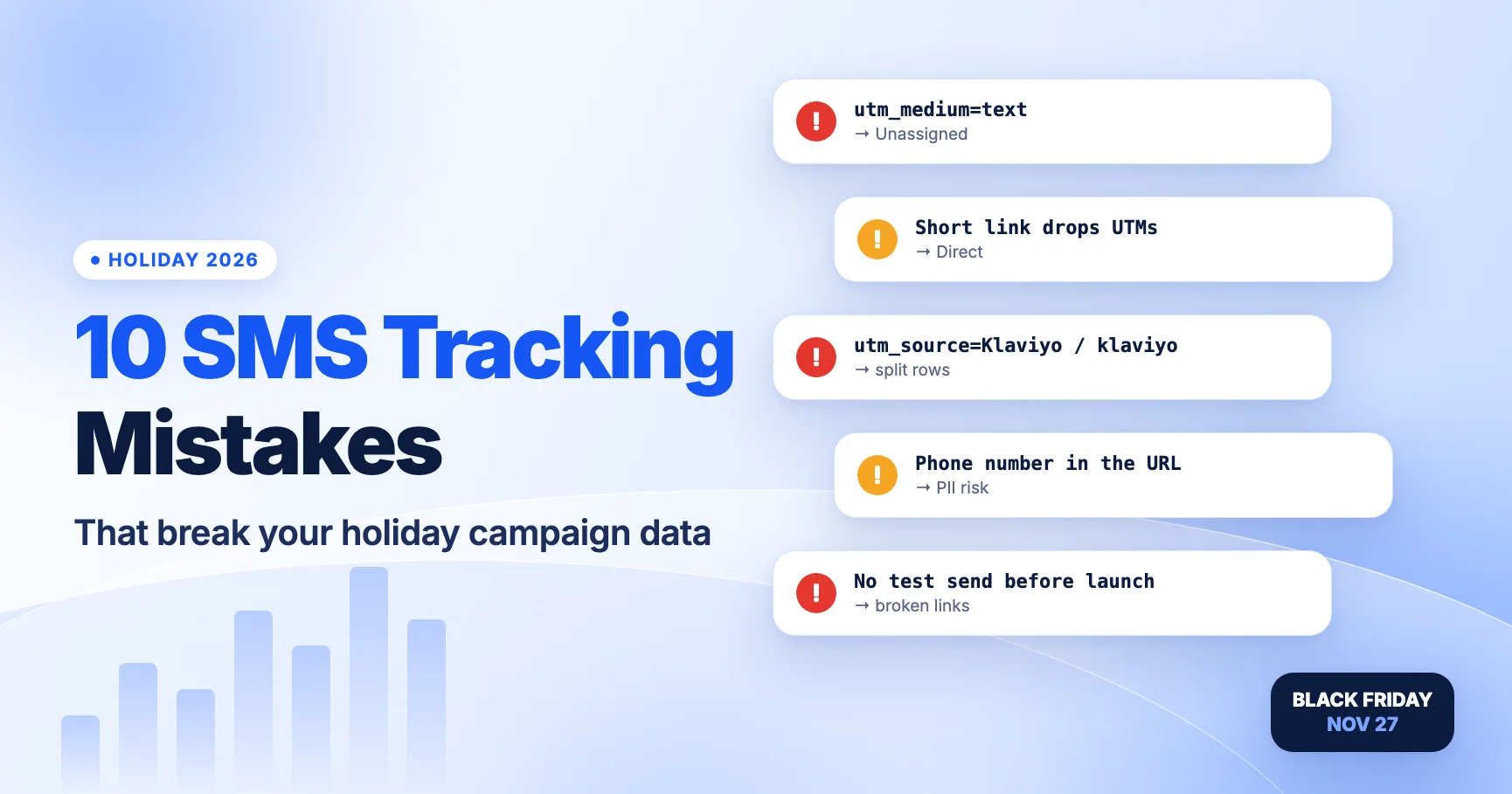
- Before BFCM, read 10 SMS tracking mistakes that break your holiday campaign data so the busiest week gives you clean data to compare.
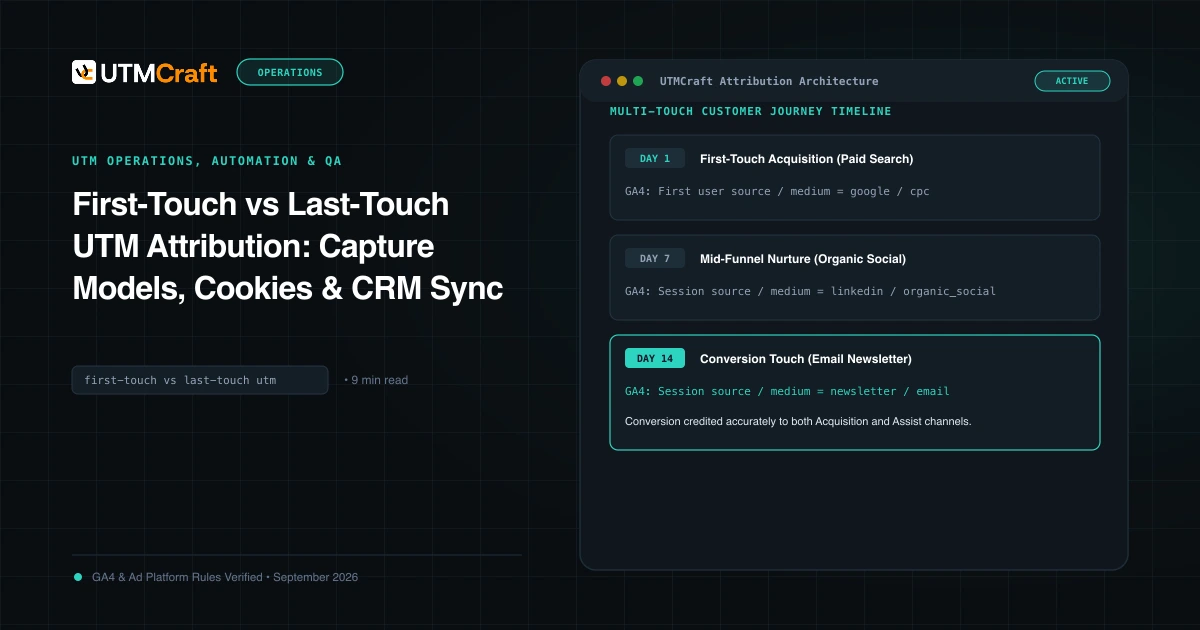
For more on how models change which channel gets credit, see first touch vs last touch UTM attribution.
FAQ
Which attribution model is best for comparing SMS and email?
There's no single best model. Last click tends to favor the channel sent closest to the purchase, which is often SMS during short sales. Data-driven spreads credit but depends on your property's data. We recommend reporting both and explaining any difference.
Why does Traffic acquisition show different email revenue than the attribution reports?
Traffic acquisition uses session-scoped dimensions, which always use paid and organic last click. The attribution reports use event-scoped dimensions and your chosen reporting model. Same data, different rules.
Why is my SMS platform's revenue higher than GA4's SMS revenue?
The platform credits orders within its own window, may count non-click activity, and doesn't see other channels. GA4 credits each key event once, across all channels, and misses sessions it couldn't track. Some gap is normal. A very large gap is worth checking for tagging problems, such as SMS clicks landing in Direct.
Can GA4 track people who read a text but don't click?
No. GA4 only sees visits to your site. Reads without clicks are invisible to it. A holdout test is the most reliable way to measure that influence.
For the broader setup, read SMS UTM Tracking: The Complete Guide to Measuring Text Message Campaigns in GA4. Browse the SMS & Messaging Tracking guides to choose another troubleshooting task.
References
- [GA4] Default channel group (Google Analytics Help)
- Get started with attribution (Google Analytics Help)
- Select attribution settings (Google Analytics Help)
- Scopes of traffic-source dimensions (Google Analytics Help)
- Key events attribution paths report (Google Analytics Help)
- Key event attribution models report (Google Analytics Help)
- Understanding UTM tracking in Klaviyo (Klaviyo Help Center)