Table of Contents
- 1. Using utm_medium=text instead of sms
- 2. Sending holiday texts with no UTMs at all
- 3. Testing the long URL instead of the short link
- 4. Keeping legacy platform defaults like campaign or flow
- 5. Letting RCS clicks fall into Unassigned
- 6. Giving every holiday send the same campaign name
- 7. Tagging automated flows the same as campaign blasts
- 8. Hand-adding UTMs on top of platform auto-tagging
- 9. Putting phone numbers or subscriber data in UTMs
- 10. Comparing to last year without checking what changed
- Pre-BFCM SMS tracking checklist
- FAQ
Most holiday SMS tracking problems come down to a few small tagging errors: the wrong utm_medium, short links nobody clicked before sending, and old platform defaults that send texts to Unassigned. Each one is quick to fix in October. During Black Friday week, when every text in the calendar goes out, they get much harder to fix.
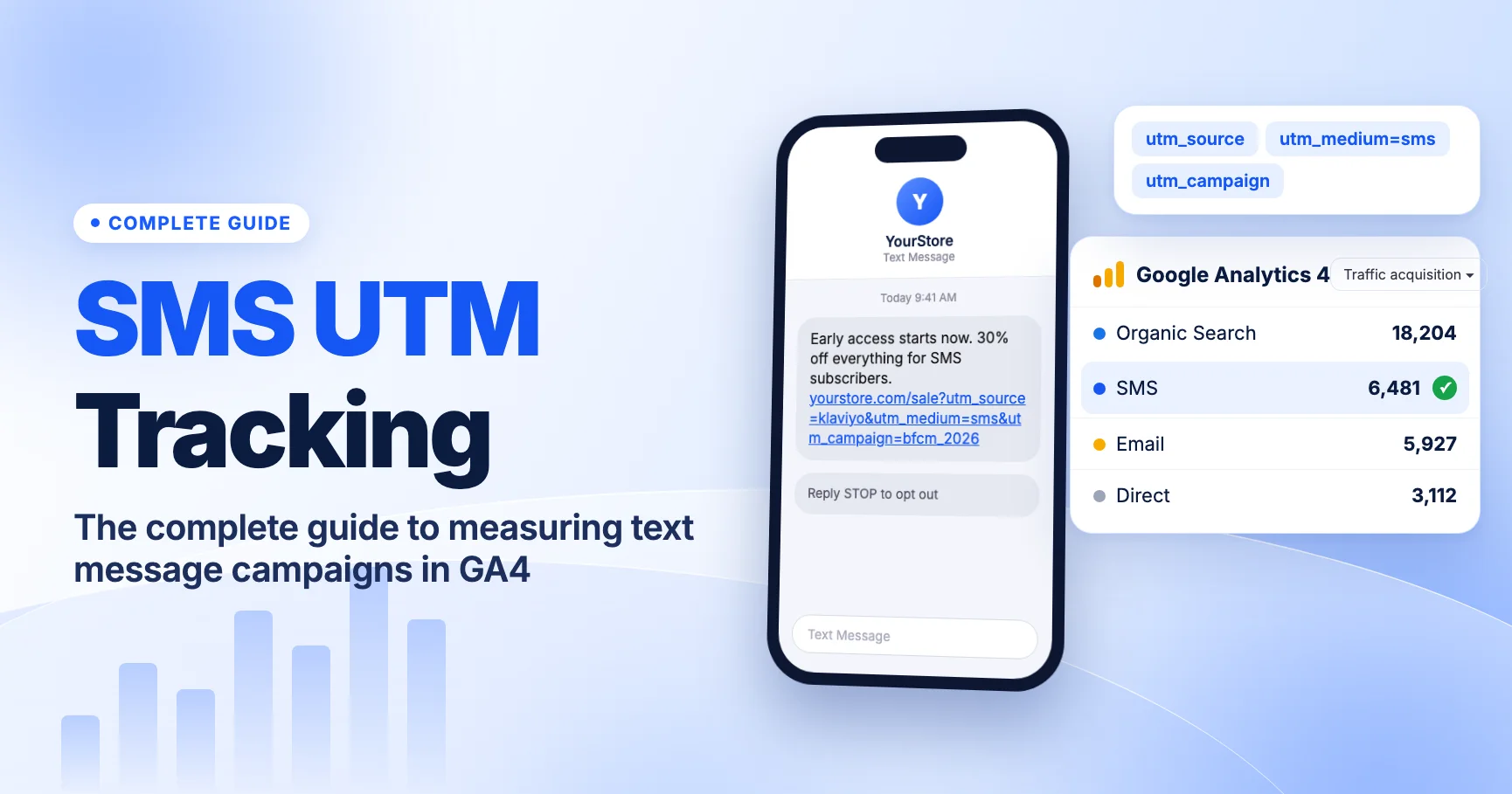
This year Black Friday is Friday, November 27, 2026 and Cyber Monday is Monday, November 30, 2026. Early-access texts usually start earlier than that, so you have about five weeks to check your setup. This article covers SMS only. For the cross-channel version (email, paid social, Google Ads, affiliates), read 10 UTM tracking mistakes that can wreck your Black Friday 2026 data. For the full setup, start with our complete guide to SMS UTM tracking in GA4.
1. Using utm_medium=text instead of sms
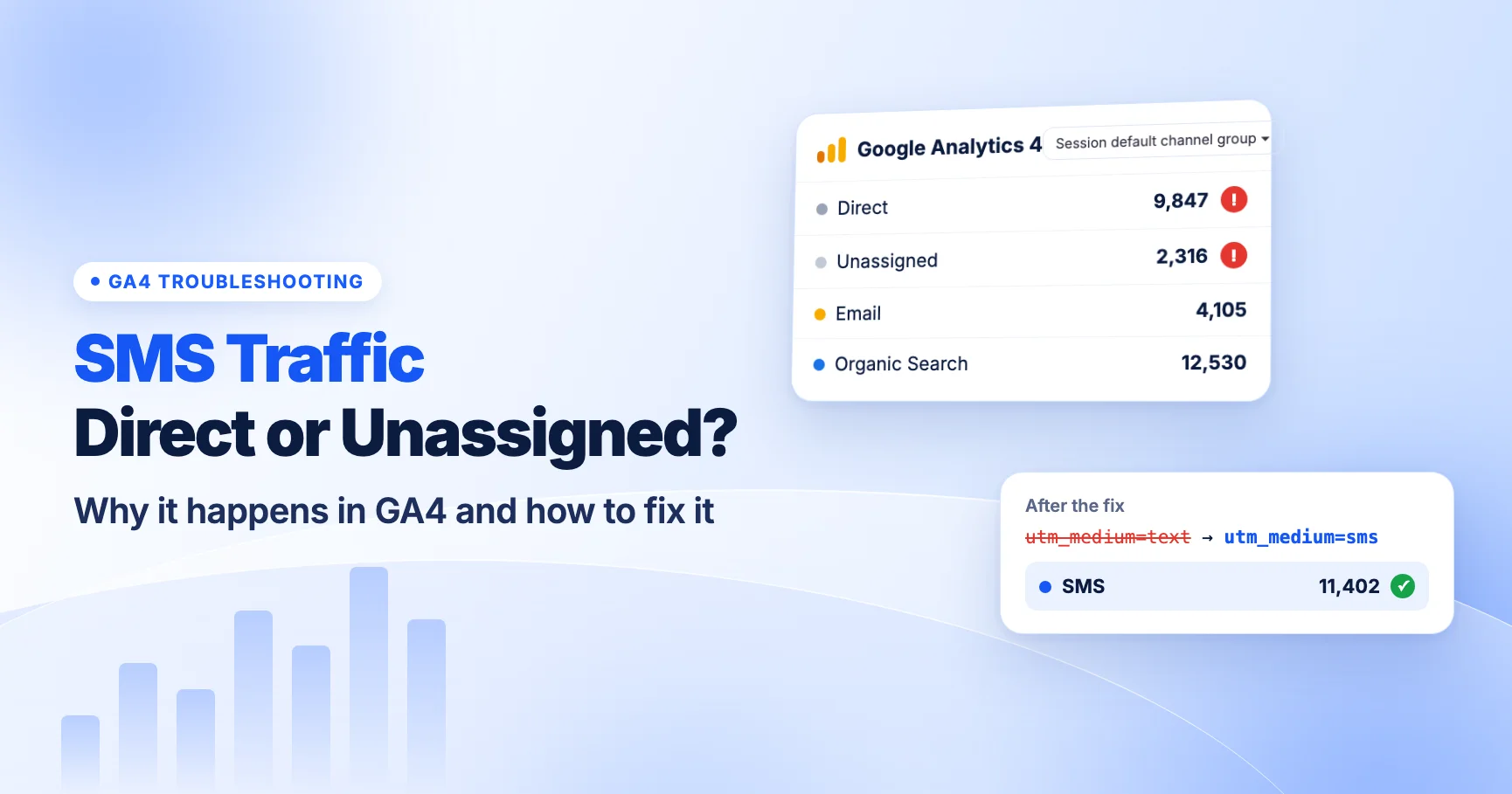
GA4's default channel group has an SMS channel. According to Google, a session belongs there when the source exactly matches sms or the medium exactly matches sms (Default channel group). Exact match means close isn't good enough. text, txt, sms-campaign, sms_blast and mms all miss the rule. Those sessions end up in Unassigned.
How to spot it: Open Reports > Acquisition > Traffic acquisition, filter to the Unassigned channel and switch the dimension to Session source / medium. If your texting platform's name shows up next to a medium like text, this is your problem.
Fix: Use lowercase sms exactly as the medium on every text message link. Put the rest of the detail in utm_campaign and utm_content. Our SMS UTM naming conventions include ready-made templates, and the utm_medium guide explains how the channel rules work for every channel.
2. Sending holiday texts with no UTMs at all
When someone taps a link in a text, it opens in their phone's browser with no referrer. GA4 has no idea the visit came from a text. Without UTMs, it reports that session as Direct.
This tends to happen with texts sent in a hurry: a flash-sale reminder, a "we extended the sale" message, or a manual send from a support inbox. These are often your most important holiday texts, and they're the ones that go out without tags.
How to spot it: Look for a spike in Direct sessions that starts within minutes of a send, with landing pages that match the text's link. The Direct traffic troubleshooting guide shows how to line up send times with traffic.
Fix: Turn on automatic UTM tagging in your SMS platform and check it's still on for every campaign and flow. For one-off sends, build the link in UTMCraft before you write the message. The deeper explanation is in why SMS traffic shows as Direct or Unassigned.
3. Testing the long URL instead of the short link
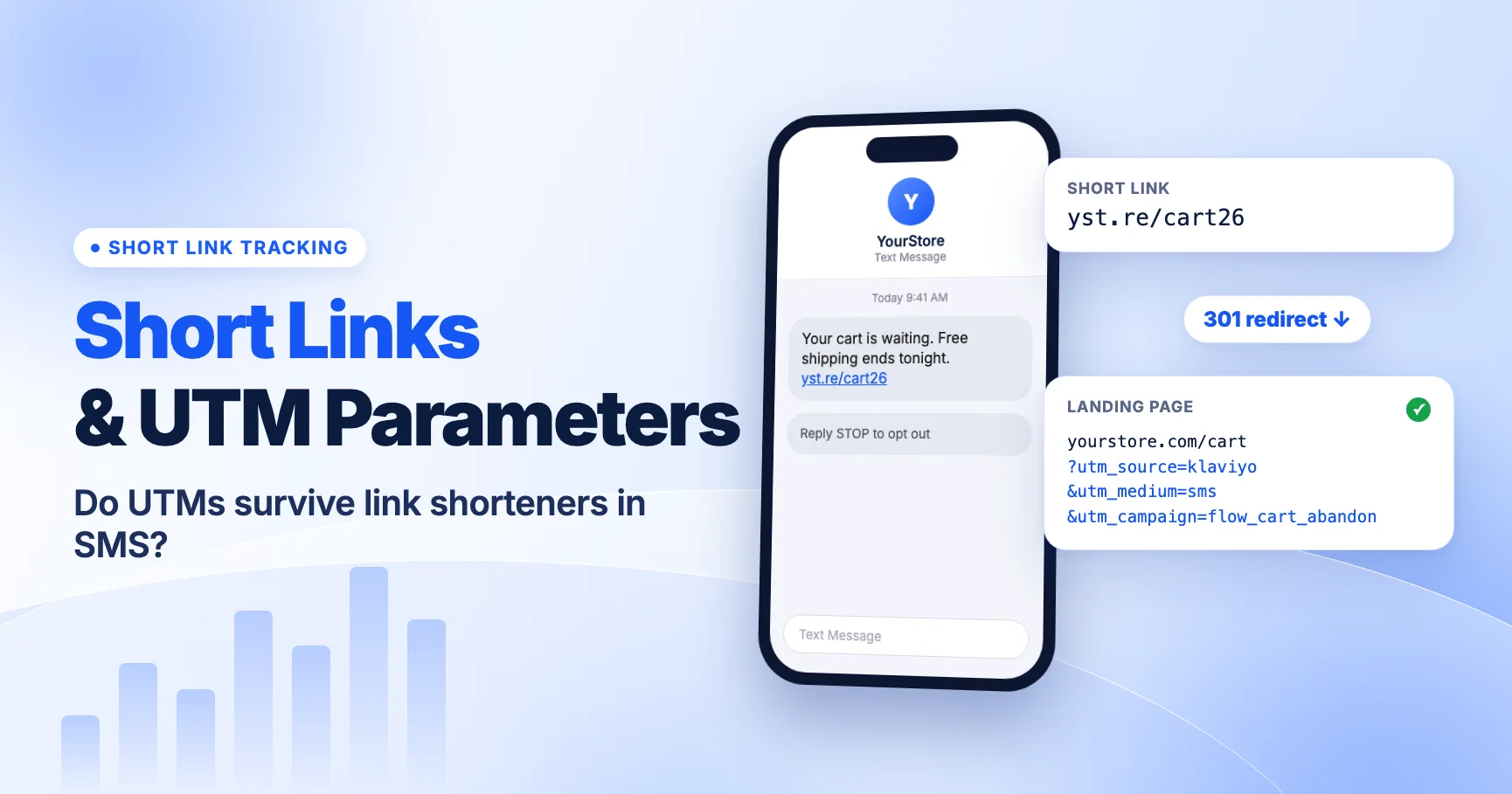
Text messages are short. A single GSM-7 message holds 160 characters, and long messages are split into 153-character segments. Add one emoji or curly quote and the whole message switches to UCS-2, which allows only 70 characters (67 per segment). That's why SMS platforms shorten links. The UTMs stay on the long destination URL behind the short link.
A short link usually redirects with a 301 or 302. Your UTMs survive only if they are on the destination URL the shortener stores, or if the shortener passes query strings through. Many teams test the long URL in a browser, see that it looks right and approve the send. Nobody taps the short link that subscribers actually get.
Fix: Send a test text to a real phone. Tap the link. Check the final address bar: all UTMs should still be there after every redirect, including any sale-page or geo redirect on your own site. Our guide to UTM parameters and link shorteners covers this in detail, and redirects removing UTMs covers fixes on the server side.
4. Keeping legacy platform defaults like campaign or flow
Some SMS platforms have changed their default UTM values, and older accounts may still use the old ones.
- Klaviyo: As of June 2, 2025, Klaviyo's default
utm_mediumchanged from campaign/flow to a "Message type" value that outputssmsfor SMS links. Accounts that customized and saved their UTM settings before that date keep their old values (Klaviyo Help Center). If your account still sendsutm_medium=campaignorflow, those sessions go to Unassigned. - Postscript: The static "SMS" medium was replaced by a Message Type token. Postscript says shops on default settings were migrated automatically (Postscript Help). Shops with custom settings should check what value they now send.
- Attentive: Attentive's help center describes defaults of
utm_source=attentiveandutm_medium=smsfor texts, set under Settings > Link Tracking (Attentive Help). Message-level overrides can change that, so check your account.
Fix: Don't rely on what the default is supposed to be. Open a real holiday message, copy its link, follow it and read the actual utm_medium value. Platform walkthroughs: Klaviyo SMS UTM tracking and Attentive and Postscript UTM tracking.
5. Letting RCS clicks fall into Unassigned
Apple added RCS support in iOS 18, and RCS business messaging on iPhone depends on carrier support. Some platforms now tag links by the channel a message actually used. Postscript's Message Type token, for example, can output RCS instead of SMS.
GA4's SMS rule only matches sms. A session tagged utm_medium=rcs doesn't match any default channel, so it goes to Unassigned. This could start during the holidays if your platform routes more messages over RCS, and nobody would get an alert about it.
RCS messages can also include rich cards and suggested-action buttons. You set the URLs for those buttons yourself, so they need UTMs too.
Fix: Create a custom channel group under Admin > Data display > Channel groups with a channel such as "SMS & RCS" where the medium matches the regex ^(sms|rcs|mms)$. Place it above any rule that could catch that traffic first, because GA4 evaluates channel rules in order. Custom channel groups apply to past data too (Custom channel groups). See RCS business messaging UTM tracking for the full setup.
6. Giving every holiday send the same campaign name
A typical BFCM SMS calendar has an early-access text, a Black Friday morning text, a "last hours" text, a Cyber Monday text and maybe an extension. If all of them use utm_campaign=bfcm, GA4 shows one row. You can't tell which send drove revenue.
The opposite problem is just as common. Different people write different names for the same send, such as BFCM, black_friday and bf-2026. GA4 treats UTM values as case sensitive, so these become separate rows.
Fix: Agree on one pattern before the first send and write it down. One option we recommend:
| Send | utm_campaign | utm_content |
|---|---|---|
| Early access (VIP list) | bfcm_2026 | early_access_vip |
| Black Friday morning | bfcm_2026 | bf_morning |
| Black Friday last hours | bfcm_2026 | bf_last_hours |
| Cyber Monday | bfcm_2026 | cm_launch |
| Sale extension | bfcm_2026 | extension |
The shared campaign name gives you one total, and utm_content splits it by send. If your platform fills utm_campaign automatically with the message name, make sure the message names follow the pattern. The utm_campaign guide covers naming in more depth.
7. Tagging automated flows the same as campaign blasts
Holiday traffic also increases how often your automated messages fire: abandoned cart, browse abandonment, back-in-stock and post-purchase texts. If those use the same utm_campaign value as your scheduled BFCM blasts, flow revenue gets mixed into campaign revenue. The blast looks better than it was.
Fix: Keep flows on their own campaign values, such as flow_abandoned_cart, all year. Don't rename them for the holidays. Most SMS platforms let you set campaign and flow (or journey) UTM values separately. Check that the holiday settings didn't overwrite the flow values.
8. Hand-adding UTMs on top of platform auto-tagging
Someone builds a fully tagged link in a spreadsheet and pastes it into a text. The platform then adds its own UTMs. The URL ends up with two utm_source or two utm_campaign values. Which one GA4 reads depends on the platform and how it merges parameters, so the results are hard to predict.
Fix: Pick one tagging method per message. If auto-tagging is on, paste clean URLs and use the platform's override fields for any custom values. If you must hand-tag, turn auto-tagging off for that message. Then tap the test link and count the parameters. See duplicate UTM parameters for how GA4 handles repeated keys.
9. Putting phone numbers or subscriber data in UTMs
It's tempting to add utm_term={phone} or a first name to tie a click to a person. Don't. Google's policies prohibit sending personally identifiable information to Analytics, and that includes phone numbers, names and email addresses in URLs. UTMs also show up in browser history, screenshots and shared links.
Fix: Use non-personal values only. A segment name, list name or send ID is fine. If you need person-level attribution, use your SMS platform's own click tracking or a hashed customer ID stored in your CRM, not the URL. Our guide to storing UTM parameters in a CRM shows a safer pattern.
10. Comparing to last year without checking what changed
Your BFCM 2026 SMS numbers may not compare cleanly with 2025, even if the program barely changed. Things that could differ:
- Your platform's default medium or source value changed (see mistake 4).
- Some messages now go out over RCS and carry a different medium (see mistake 5).
- Last year's untagged sends sat in Direct, and this year's are tagged.
- You added a custom channel group, which changes how past data is grouped.
Fix: Before comparing, pull last year's BFCM week by Session source / medium, not just channel. Write down which source and medium values your SMS program used each year. Then compare like with like, and add a note to any dashboard that combines both years.
Pre-BFCM SMS tracking checklist
Work through this list before your first holiday text. Mid-November is the latest we'd recommend.
- Check global UTM settings in your SMS platform. Confirm the medium outputs lowercase
sms. - Check campaign and flow overrides. Make sure no message sends
campaign,flow,textorSMSwith odd spacing or a suffix. - Decide on RCS. If your platform can tag
rcs, set up a custom channel group now. - Write the naming sheet. One campaign value for the sale, one
utm_contentper send, separate values for flows. - Send real test texts to an iPhone and an Android phone. Tap every short link and every RCS button.
- Read the final URL after every redirect. All UTMs present, none duplicated, no personal data.
- Confirm in GA4. Your test session should show
smsas the medium and land in the SMS channel (or your custom channel) after processing, not Direct or Unassigned. The UTM QA checklist and how to test UTMs walk through this. - Save a baseline. Export last year's SMS source/medium rows for BFCM week so you can compare fairly later.
FAQ
Does GA4 treat SMS and sms the same?
For channel grouping, GA4's rules generally behave as case-insensitive. But UTM values themselves are case sensitive in reports, so SMS and sms show as separate rows under Session medium. Use lowercase sms everywhere to avoid split rows.
Why does my holiday SMS revenue in GA4 not match my SMS platform?
They measure different things. Platforms usually credit orders within their own attribution window after a send or click. GA4 credits sessions and key events using its own rules. Neither number is wrong, but they aren't the same metric. Our guide to SMS vs email attribution in GA4 explains how to compare them.
Can I fix untagged holiday texts after they're sent?
Not directly. GA4 can't reassign Direct sessions to SMS after the fact. You can estimate the effect by comparing Direct sessions on the linked landing pages in the minutes after each send, but treat that as an estimate. Tag the next send properly.
Should SMS and MMS use different mediums?
We recommend sms for both, so they land in the SMS channel. Use utm_content to tell MMS sends apart. If you need mms as a medium, add it to a custom channel group first.
For the broader setup, read SMS UTM Tracking: The Complete Guide to Measuring Text Message Campaigns in GA4. Browse the SMS & Messaging Tracking guides to choose another troubleshooting task.
References
- [GA4] Default channel group (Google Analytics Help)
- [GA4] Custom channel groups (Google Analytics Help)
- Understanding UTM tracking in Klaviyo (Klaviyo Help Center)
- Adjust your global UTM parameters (Postscript Help Center)
- Set up global link tracking (Attentive Help Center)