Table of Contents
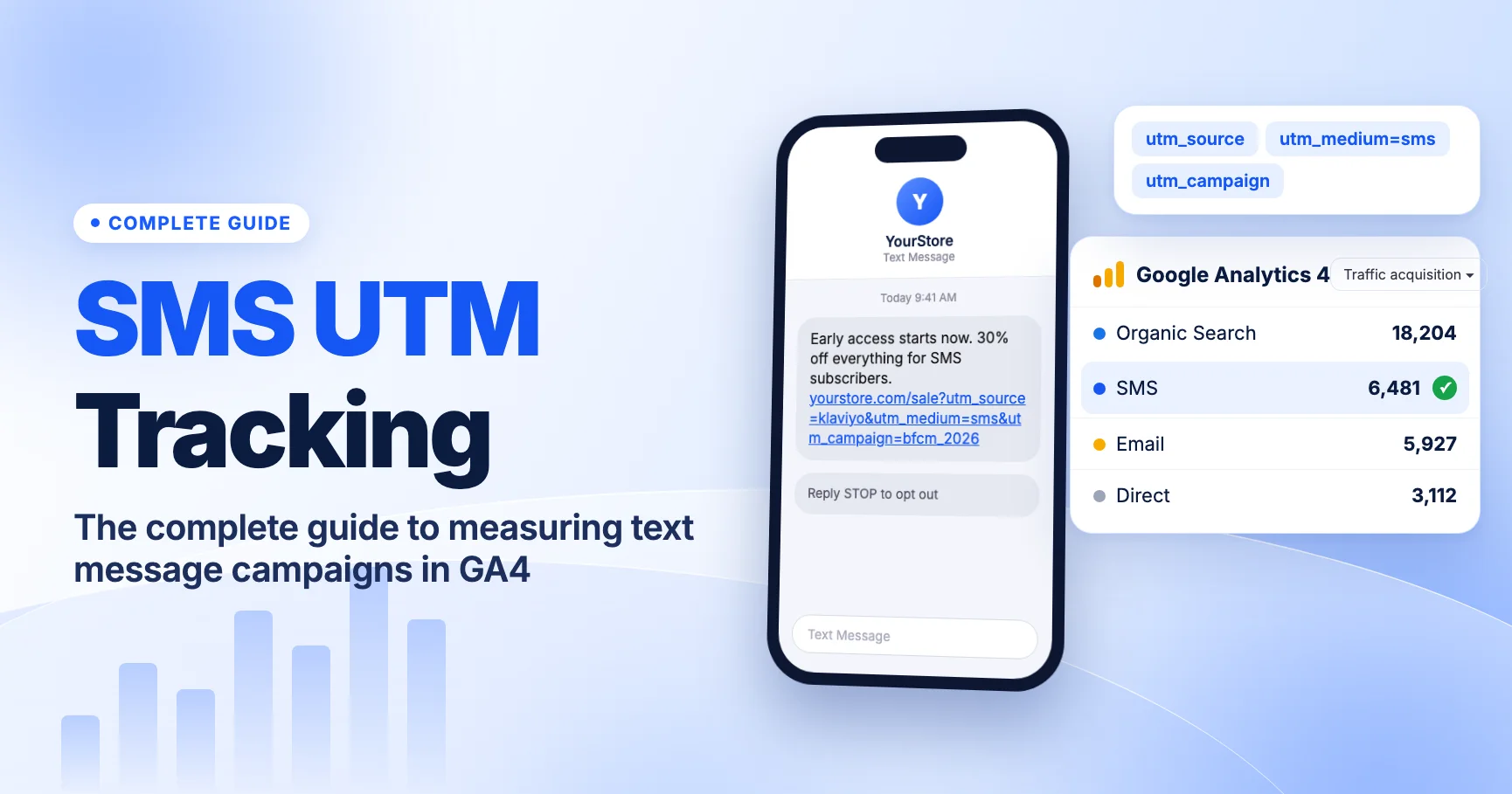
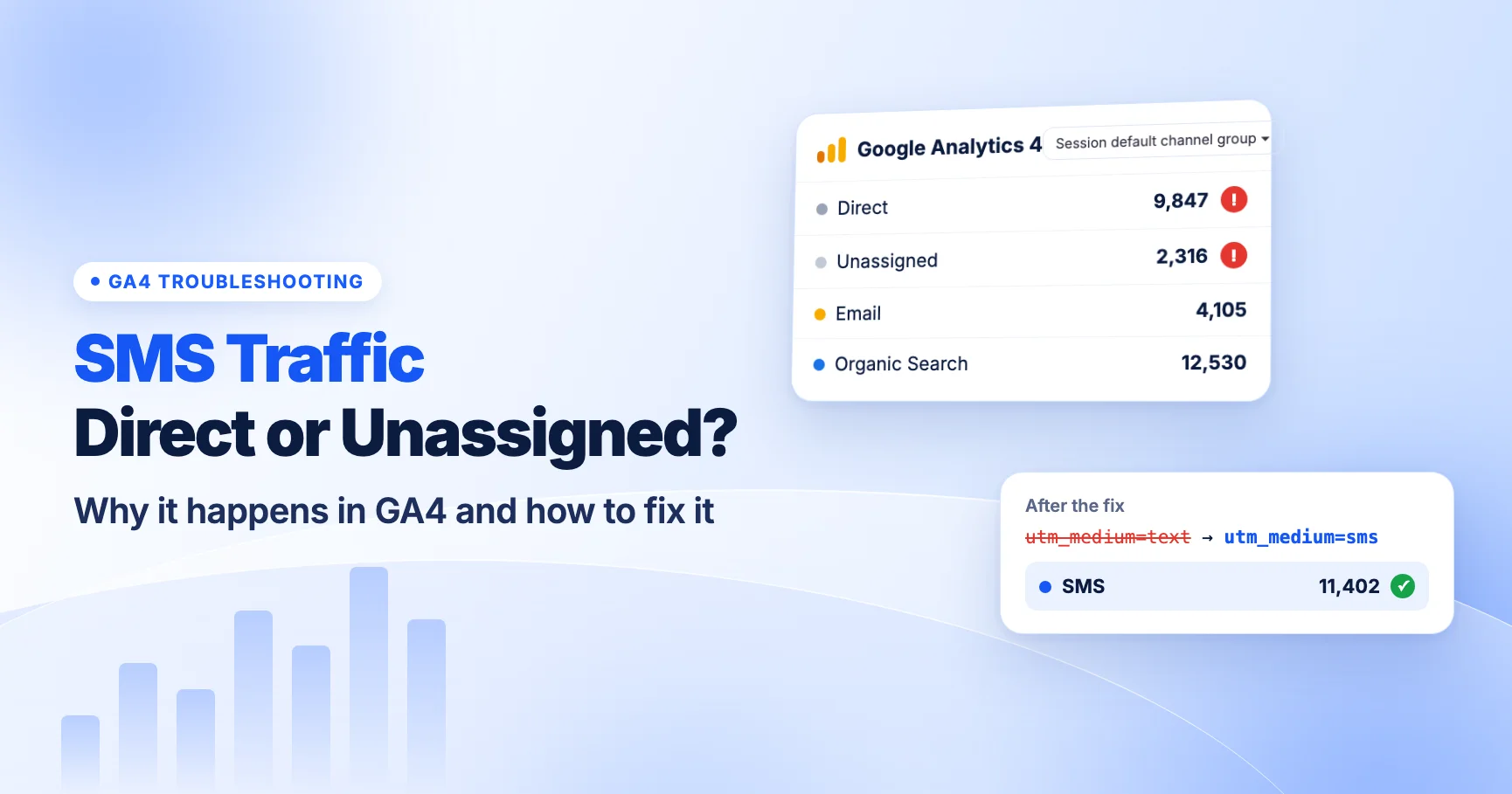
SMS traffic shows as Direct in GA4 when the link has no UTM parameters, and as Unassigned when it has a medium GA4 doesn't recognize. Text message links open with no referrer, so GA4 needs UTMs to know where the visit came from. And GA4's SMS channel only matches when the source or medium is exactly sms. Fix it by tagging every link with utm_medium=sms, checking your SMS platform's defaults, and testing the short link on a real phone.
This guide shows you how to find which problem you have and how to fix each one. For the full setup, from naming to reporting, see the complete guide to SMS UTM tracking in GA4.
Direct vs Unassigned: two different problems
Both buckets hide SMS revenue, but they have different causes. Knowing which one you're looking at tells you where to look.
| Where SMS shows up | What it means | Most likely cause |
|---|---|---|
| Direct | GA4 got no campaign data and no referrer | Link not tagged, or UTMs lost in a redirect |
| Unassigned | GA4 got campaign data, but no channel rule matched it | Wrong medium, such as text, campaign or rcs |
| SMS | Source or medium is exactly sms | Working as intended |
A quick rule of thumb: Direct is a missing tags problem. Unassigned is a wrong values problem.
Why SMS shows as Direct
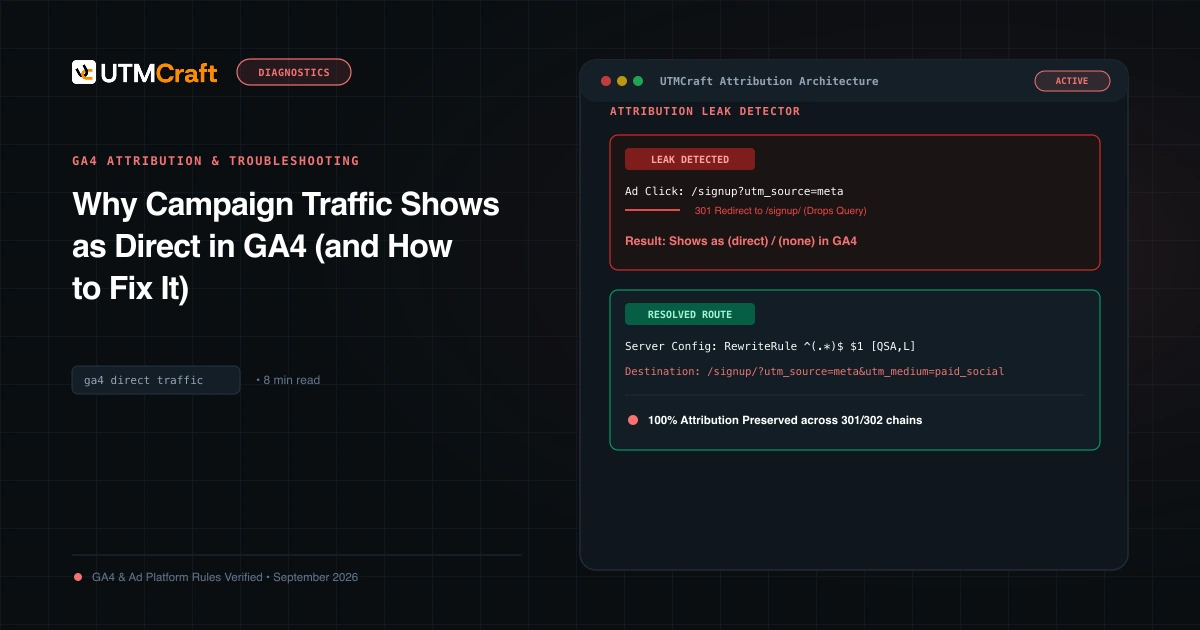
When someone taps a link in a text message, the phone's browser opens the page. There's no web page that sent them, so the browser sends no referrer. If the URL also has no UTMs, GA4 has nothing to go on and reports the session as Direct.
The common causes:
- The link was never tagged. Someone pasted a plain URL into the message, or the platform's automatic UTM setting is off.
- Tags were added to the short link, not the destination. Many shorteners don't pass a query string from the short link through to the destination. The UTMs need to be on the long URL the shortener stores.
- A redirect on your site dropped the query string. An
httptohttpsrule, a trailing-slash rule, or a redirect from an old URL can strip parameters if it isn't set up to keep them. - Flows or old messages use links from before tagging was set up. Automated messages can run for years with the links they were built with.
- Consent or tag loading issues. If GA4 doesn't fire on the landing page, or fires only after a redirect that removed the parameters, the campaign data is lost.
For non-SMS causes of Direct traffic, see GA4 Direct traffic troubleshooting.
Why SMS shows as Unassigned
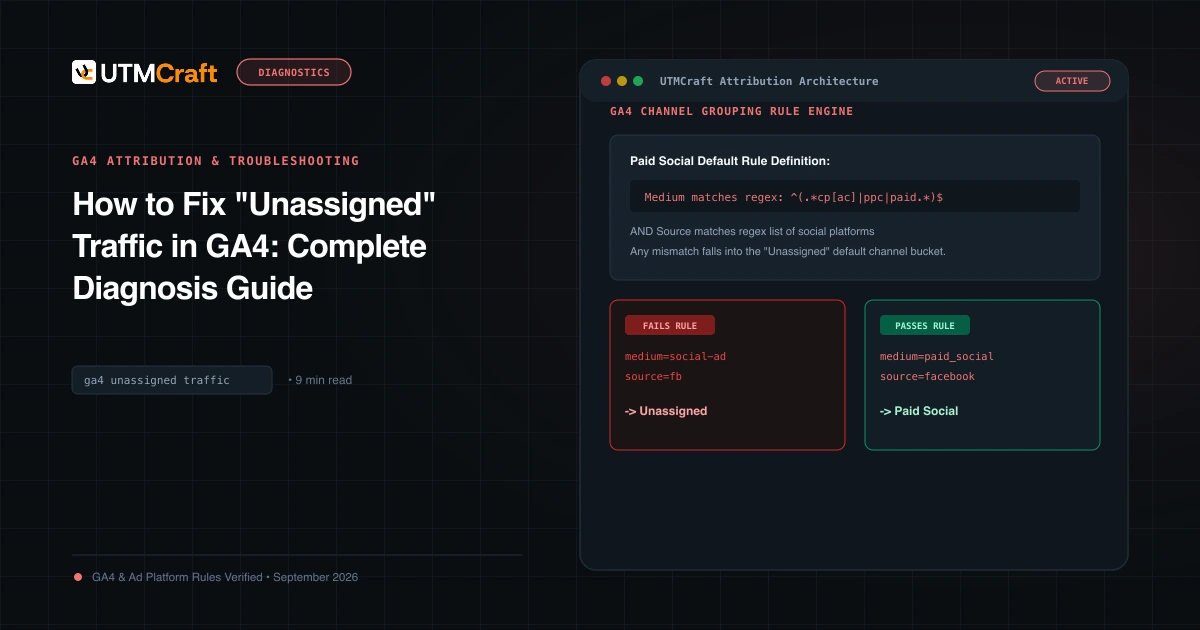
GA4 assigns sessions to channels using the default channel group. Its SMS rule is: source exactly matches sms or medium exactly matches sms. If neither matches and no other rule does either, the session goes to Unassigned, which GA4 uses when no channel rule matches. [GA4] Default channel group.
These mediums all end up in Unassigned:
text,txt,textingsms-campaign,sms_marketing,smsblastmmsorrcscampaignorflow- A blank medium with a non-matching source
The usual causes:
An old Klaviyo setting
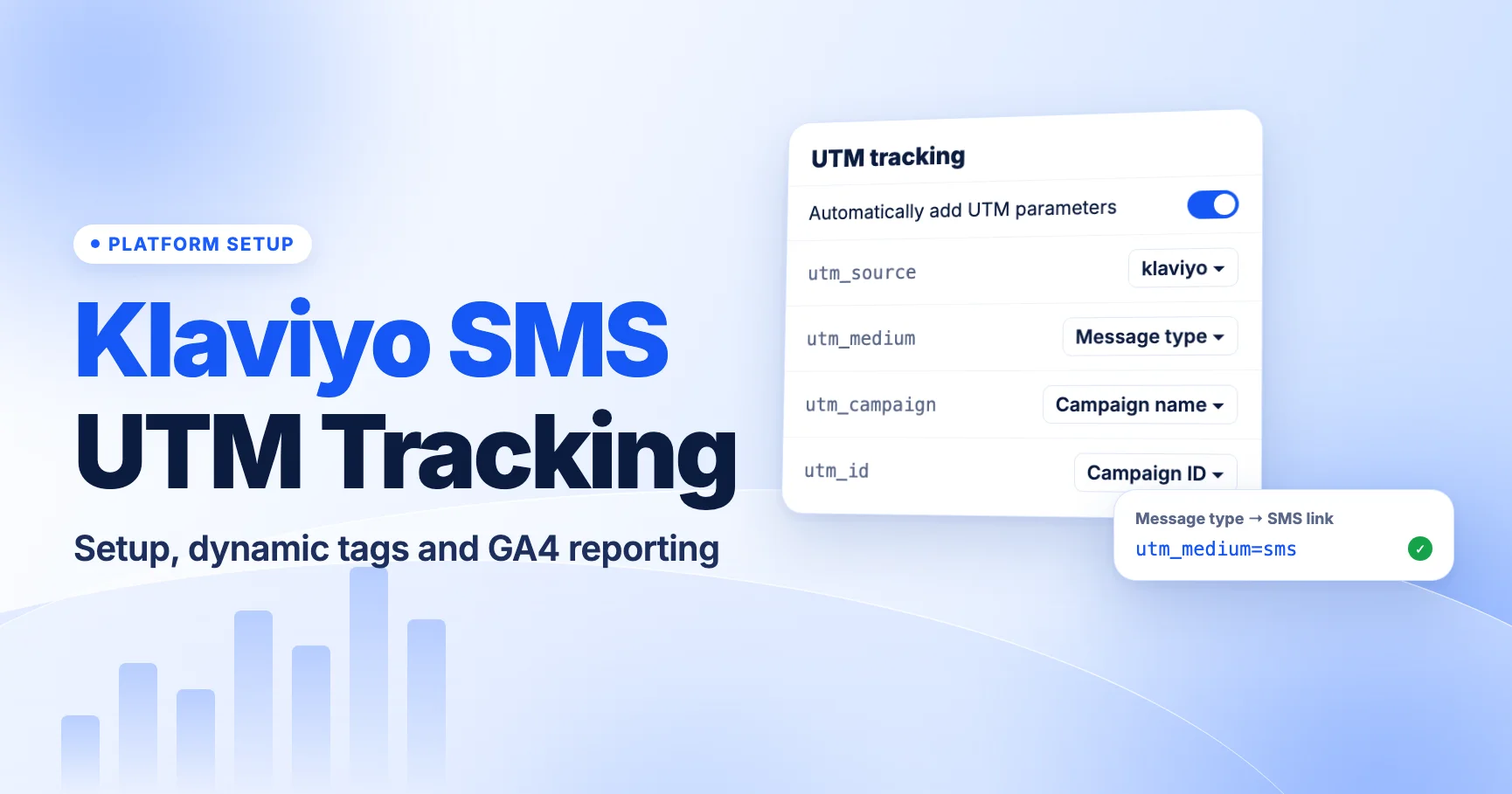
On June 2, 2025, Klaviyo changed its default utm_medium from campaign/flow to "Message type", which outputs sms for SMS links. Accounts that customized and saved their UTM settings before that date keep their old values. So an older account may still send utm_medium=campaign or flow, which lands in Unassigned. Understanding UTM tracking in Klaviyo. Setup steps are in Klaviyo SMS UTM tracking.
RCS tagged as rcs
Postscript's Message Type token tags traffic as SMS or RCS depending on the channel actually used. Adjust your global UTM parameters. If it outputs rcs, GA4's default rules won't count it as SMS. You'll see those sessions in Unassigned until you add a custom channel group. More in RCS business messaging UTM tracking.
Manual tagging with a made-up medium
Teams that build links by hand often pick a medium that sounds right: text, sms-promo, SMS_Blast. Any value other than sms misses the rule. Agree on one value and use a template. See SMS UTM naming conventions.
Duplicate parameters
If you paste a tagged URL into a platform that also adds its own UTMs, the final URL can carry two utm_medium values. GA4 may read the one you didn't intend. Check the final URL for repeats. See duplicate UTM parameters.
How to diagnose it in GA4
Before changing settings, confirm which problem you have.
Check Unassigned for SMS values
- Go to Reports > Acquisition > Traffic acquisition.
- Keep Session default channel group as the dimension and click into Unassigned, or add a filter for Session default channel group = Unassigned.
- Change the dimension to Session source / medium.
- Look for your SMS platform's source (for example
klaviyo,attentiveorpostscript) paired with a medium that isn'tsms.
Every row you find there is SMS traffic that GA4 couldn't classify. Write down the exact values, including case.
Check Direct around send times
Direct has no source to filter on, so look at timing instead. Compare Direct sessions by hour or by day around a big send. A spike right after the send that isn't matched by a rise in the SMS row suggests untagged links. Then check the landing page dimension: if the spike lands on the page your text promoted, that's a strong sign.
Check the SMS row itself
Filter for Session default channel group = SMS and set the dimension to Session campaign. If recent sends or certain flows are missing from the list, those are the messages to test. For general help, see GA4 Unassigned traffic and UTMs not showing in GA4.
How to fix it
Match the fix to what you found.
| What you found | Fix |
|---|---|
| Spikes in Direct after sends | Turn on automatic UTMs in your SMS platform, or tag the destination URL before shortening |
utm_medium=campaign or flow in Unassigned | Update your platform's UTM settings so the medium outputs sms; check each flow's override |
utm_medium=text or another custom value | Change the template to sms and re-tag live flows |
utm_medium=rcs or mms | Add a custom channel group, or switch those sends to sms |
| Correct tags on the long URL, but nothing in GA4 | Test the short link and your site redirects; look for dropped query strings |
Fix your platform settings
Check the global UTM settings in your platform and any overrides set on individual campaigns or flows. In Klaviyo, that's account name > Settings > Other > UTM tracking. In Attentive, it's Settings > Link Tracking. Set up global link tracking. Defaults differ between accounts, so check your account rather than assuming. Platform steps are in Attentive and Postscript UTM tracking.
Fix short links and redirects
Put the UTMs on the destination URL your shortener stores. Then tap the short link on a phone and check the address bar after every redirect. If the parameters are gone, fix the redirect so it passes the query string through. See do UTM parameters survive link shorteners? and redirects removing UTMs.
Add a custom channel group for RCS and MMS
If you want to keep rcs or mms as separate mediums, create a custom channel group in Admin > Data display > Channel groups. Add a channel named SMS & RCS with medium matching regex ^(sms|rcs|mms)$, and place it above rules that could catch those sessions first, since rules are evaluated in order. [GA4] Custom channel groups.
Can you fix past data?
Partly.
- Unassigned sessions with SMS-like mediums: yes, in reports. Custom channel groups apply retroactively, so a channel that matches
campaignortextpaired with your SMS source can pull past sessions out of Unassigned. Use a source condition too, so you don't catch email traffic tagged with the same generic medium. - Direct sessions from untagged links: no. GA4 never received the campaign data, so there's nothing to reclassify. You can estimate impact from timing and landing pages, but you can't recover the attribution.
- The default channel group itself: it can't be edited. Your fix applies in the custom group, so use that group in the reports you share.
Going forward, fix the tags at the source. A custom channel group is a reporting patch, not a replacement for correct UTMs.
What to do now
- Filter Unassigned by your SMS platform's source and write down every medium you see.
- Check Direct for spikes on the pages your recent texts promoted.
- Open your platform's UTM settings and set the SMS medium to
sms. Check flow and campaign overrides. - If you send RCS, decide between tagging it
smsor adding a custom channel group. - Send a test text, tap the short link on a phone, and check the final URL and GA4 Realtime.
- Add a monthly check of Unassigned to your routine. See the UTM QA checklist.
Heading into a big season? Read 10 SMS tracking mistakes that break your holiday campaign data.
FAQ
Why is my SMS traffic in Unassigned when the links have UTMs?
The medium isn't exactly sms. Values like text, campaign, flow or rcs don't match GA4's SMS rule. Check Session source / medium in the Unassigned row to see what's being sent.
Why does SMS show as Direct instead of Referral?
Messaging apps don't pass a referrer when a link opens in the browser. With no referrer and no UTMs, GA4 reports the session as Direct.
Does utm_medium=SMS in uppercase work?
GA4's channel rules are case-insensitive in practice, but we recommend lowercase sms so your source/medium reports don't split into separate rows.
Can I move old Direct SMS sessions into the SMS channel?
No. If the link had no UTMs, GA4 never got the campaign data. You can only fix it for future sends.
Will a custom channel group change my default reports?
No. The default channel group stays as it is. You choose the custom group as the dimension in reports where you want to use it.
For the broader setup, read SMS UTM Tracking: The Complete Guide to Measuring Text Message Campaigns in GA4. Browse the SMS & Messaging Tracking guides to choose another troubleshooting task.
References
- [GA4] Default channel group (Google Analytics Help)
- [GA4] Custom channel groups (Google Analytics Help)
- Understanding UTM tracking in Klaviyo (Klaviyo Help Center)
- Adjust your global UTM parameters (Postscript Help Center)
- Set up global link tracking (Attentive Help Center)