Table of Contents
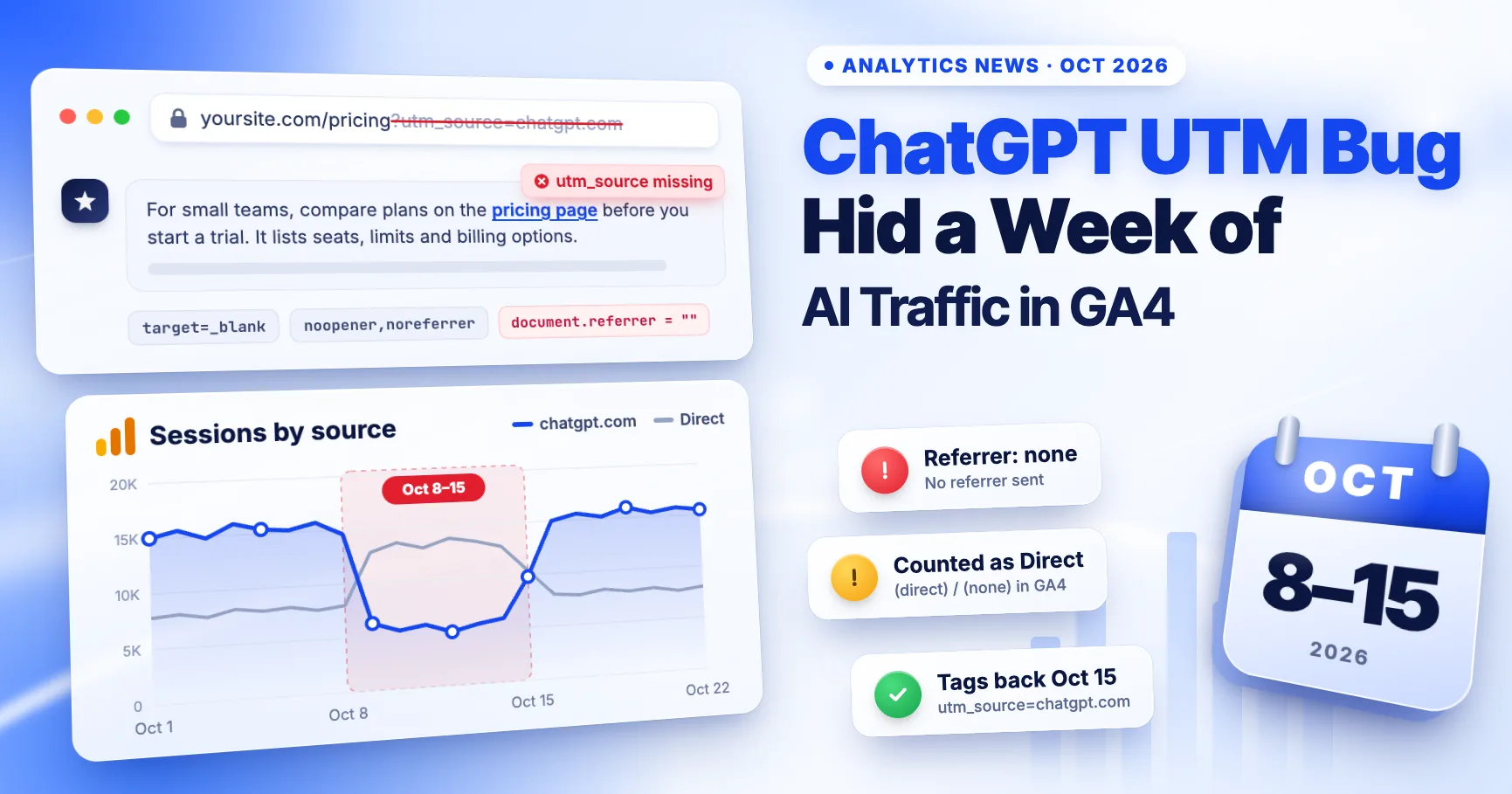
If your ChatGPT traffic in GA4 fell sharply around October 8, 2026, you probably didn't lose those visitors. GA4 just stopped recognising them. For about a week, many links in ChatGPT answers arrived without the utm_source=chatgpt.com tag and without a referrer, so GA4 counted those visits as Direct. Tags were back by the morning of October 15 (Pacific time). This guide shows how to confirm the gap in your own property and how to report it.
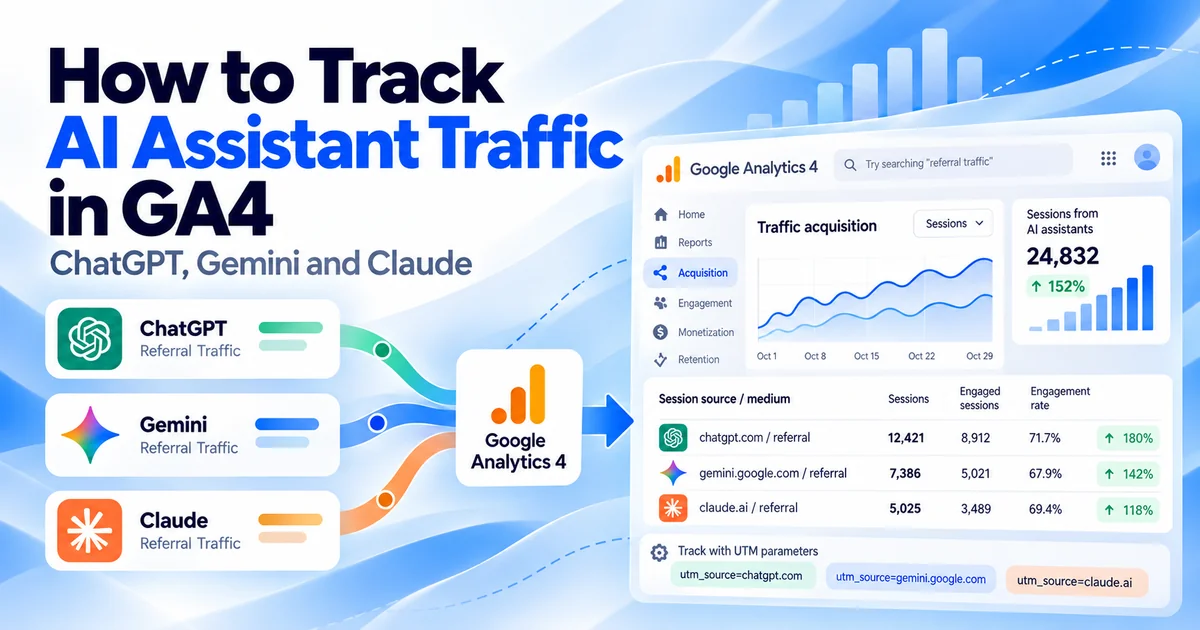
Normally, OpenAI says ChatGPT "automatically includes the UTM parameter utm_source=chatgpt.com in referral URLs" (OpenAI publisher FAQ, archived). That tag matters more than most people realise, because many ChatGPT clicks, especially from the mobile app, carry no referrer at all.
Status checked: October 16, 2026. OpenAI has not commented publicly. The bug confirmation below comes from Adobe's Cedric Huesler, as reported by search industry publications.
What happened, day by day
| Date (Pacific time) | What was reported |
|---|---|
| Oct 7 | GPT-6 starts rolling out to paid ChatGPT plans |
| Oct 8, about 2pm | GPT-6 reaches Free and Go users; ChatGPT links start arriving without utm_source |
| Oct 13 | Huesler reports ChatGPT visits down sharply and Direct up on the same pages |
| Oct 14 | Search Engine Roundtable covers the missing tags; per Huesler, OpenAI tells him it is a known bug |
| Oct 15, from about 2am | Fix rolls out in stages; by 9am, tagged clicks are back to roughly 95–100% of the previous week |
Sources: Search Engine Roundtable, Search Engine Journal.
Not every link was affected. One analyst cited by Search Engine Journal found that inline links in the answer text lost the tag, while links in the Sources panel and shopping results kept it. Huesler described the affected links as opening in a new tab with noopener,noreferrer, which sends no referrer, and with no tag either.
Why the visits landed in Direct
GA4 decides a session's source from two signals, in order: campaign parameters in the landing URL first, then the referrer (Google). It needs at least one of them:
| Click arrives with | GA4 records |
|---|---|
utm_source=chatgpt.com | chatgpt.com source, AI Assistant channel |
| No tag, but a chatgpt.com referrer | Recognised assistant referrer, AI Assistant channel |
| No tag and no referrer | (direct) / (none), Direct channel |
During the bug, affected clicks fell into the last row. GA4's AI Assistant channel, added in May 2026, depends on these same two signals (Google). It cannot classify a visit that arrives with neither, so the channel lost those visits too.
Mobile was hit hardest. Graphite CEO Ethan Smith told Search Engine Journal that 95% of mobile ChatGPT visits to the sites his company tracks were identifiable only by the UTM tag.
How big was the gap?
Estimates vary by dataset, and most come from companies that sell SEO or AI search tools:
- Adobe (Huesler): on about 500 pages where ChatGPT drives 5%+ of visits, ChatGPT visits fell by about 31,000 a day while Direct rose by about 26,000 a day (Oct 9–13 vs the prior week).
- Graphite: ChatGPT sessions in GA4 fell 22% to 57% from October 9, about 45% overall.
- LLM Pulse: about 46% fewer ChatGPT sessions on Oct 9–11, with total site traffic roughly flat.
The key point is the pattern, not the exact figure. When ChatGPT falls and Direct rises on the same landing pages, the visits were probably relabelled, not lost.
Check your own GA4 property in 10 minutes
- Find the dip. Go to Reports → Acquisition → Traffic acquisition, set the date range to September 24 – October 21, and filter Session source to
chatgpt.com. Switch the chart to daily. A step down on October 8 or 9 that recovers around October 15 matches the bug. - Find your ChatGPT landing pages. Build a free-form Exploration with Landing page + query string as rows and Session source as a filter (
chatgpt.com) for September 24 – October 7. Note the top 10 pages. - Compare Direct on those pages. Change the filter to Session default channel group =
Directand add Date. If Direct rose on those pages during Oct 8–15 while ChatGPT fell, you've found the relabelled visits. - Check new users. Relabelled ChatGPT visitors tend to be first-time users. A higher share of new users in Direct during that week supports the same conclusion.
- Use your property's time zone. 2pm Pacific on October 8 is already October 9 in much of Europe and Asia. Line up your annotation with your reporting time zone.
Sites with little ChatGPT traffic may see nothing. Direct is usually much larger, so a few hundred relabelled visits can disappear into normal variation. LLM Pulse noted the same limitation in its own data.
How to report October without misleading anyone
- Annotate October 8–15 in GA4 and in any Looker Studio or BI dashboard that shows AI or Direct traffic. Note "ChatGPT link tracking bug, visits shifted to Direct."
- Don't change strategy based on the dip. A week of missing tags is not evidence that your AI visibility fell. Huesler's advice is to avoid rebuilding attribution models around it.
- Report ChatGPT and Direct together for the affected week on pages ChatGPT normally sends visitors to, and say so in the report.
- Don't expect a backfill. GA4 doesn't reprocess traffic source data, and no backfill has been announced. October's ChatGPT total will stay low in GA4.
- Confirm recovery. Compare
chatgpt.comsessions from October 16 onward with the same weekdays in late September.
Make AI traffic reporting less fragile
You can't control how ChatGPT formats its links. You can control what you depend on:
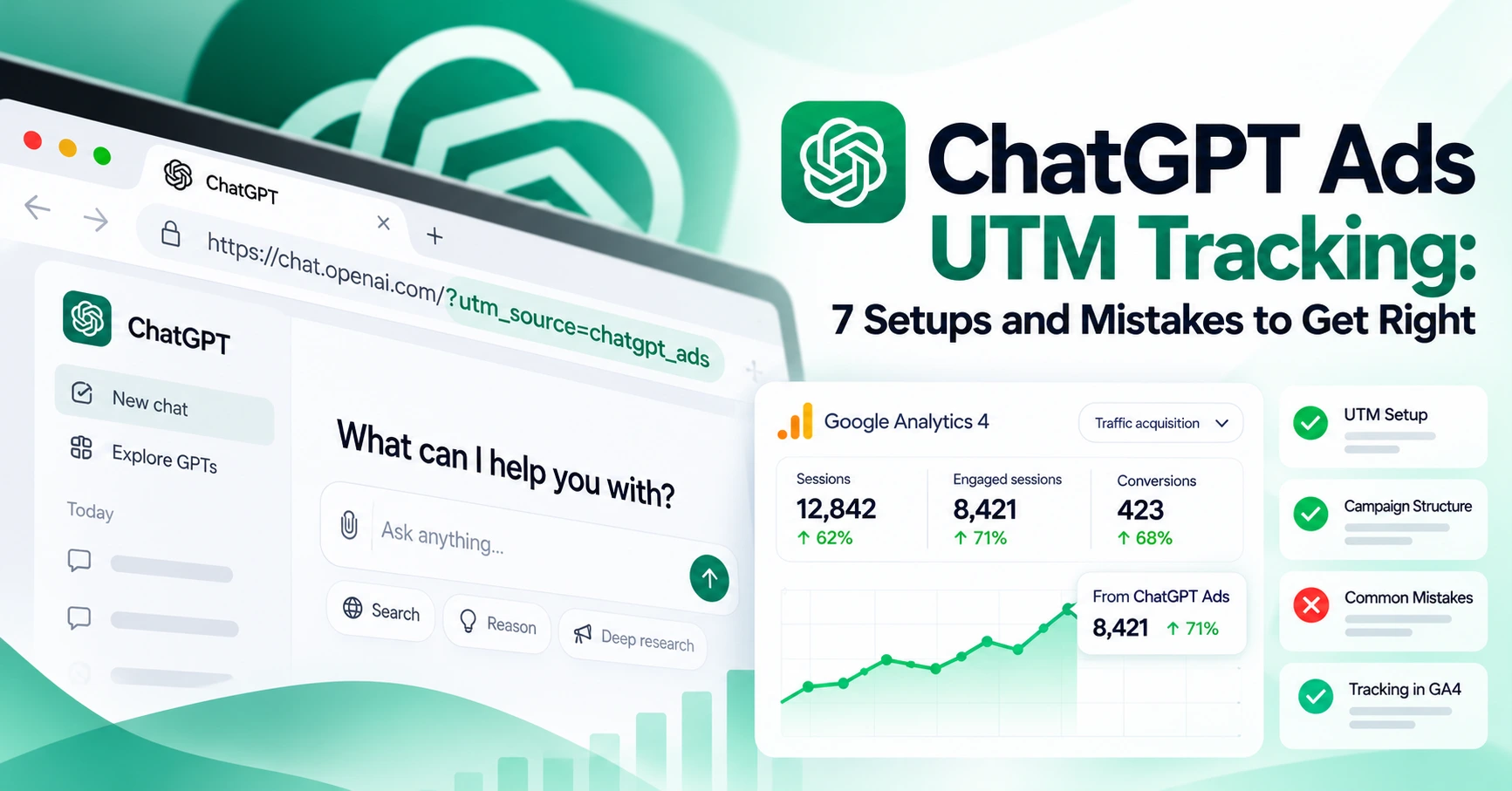
- Tag every link you place yourself. Ads in ChatGPT carry your own UTMs, which Smith expected to be unaffected. Our ChatGPT Ads UTM guide covers the setup.
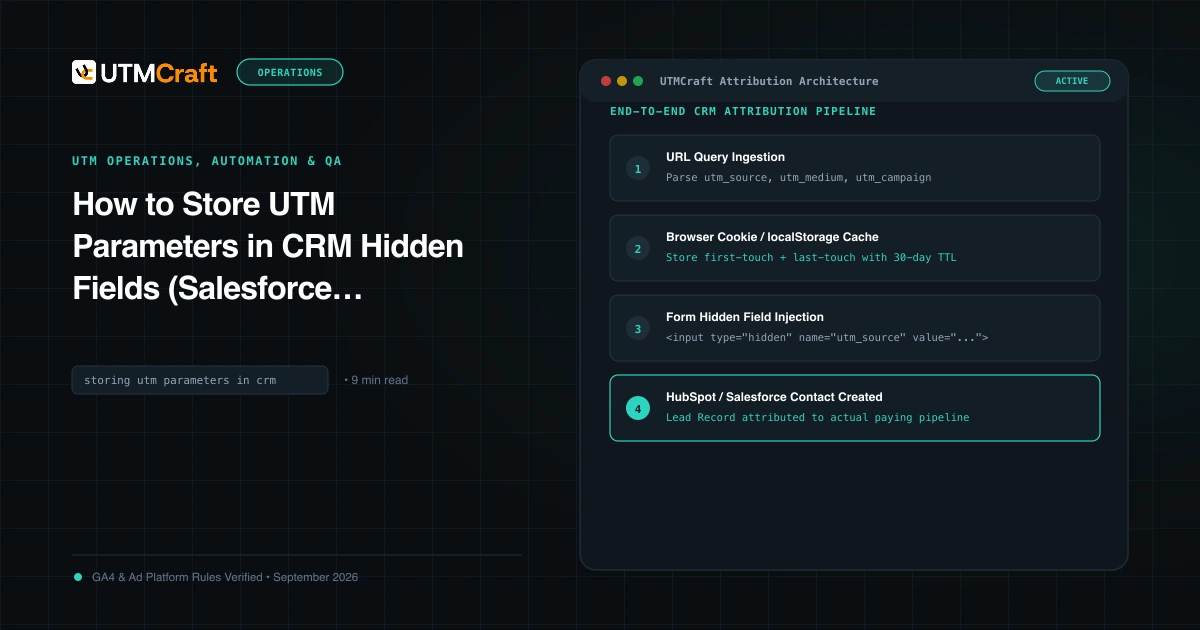
- Capture the source at signup. Store landing-page UTMs in hidden form fields so CRM records keep the source even when reports change. See capturing UTMs in form fields.
- Ask "how did you hear about us?" A self-reported field catches AI discovery that analytics never sees.
- Watch other assistants separately. Search Engine Journal reports Gemini began adding UTM parameters to its links about two weeks before the ChatGPT bug. Check your Session source report for the values your property receives rather than assuming them.
- Keep a baseline. The AI assistant traffic guide shows how to build a monthly AI report that makes future breaks obvious within days.
Quick answers
Did ChatGPT traffic really drop in October 2026?
Reported data points to a measurement problem, not a real drop. Visits continued, but many arrived without the tag or a referrer, so GA4 counted them as Direct.
Is the ChatGPT UTM bug fixed?
Huesler reported tagged clicks back to roughly 95–100% of normal by 9am Pacific on October 15, 2026. OpenAI hasn't confirmed this publicly, so watch your own data for a few weeks.
Can I move the Direct sessions back to ChatGPT in GA4?
No. GA4 won't reassign past sessions, and a custom channel group can't detect a source that was never recorded. Annotate the period and explain it in your reporting instead.
Why does some ChatGPT traffic show as Direct even now?
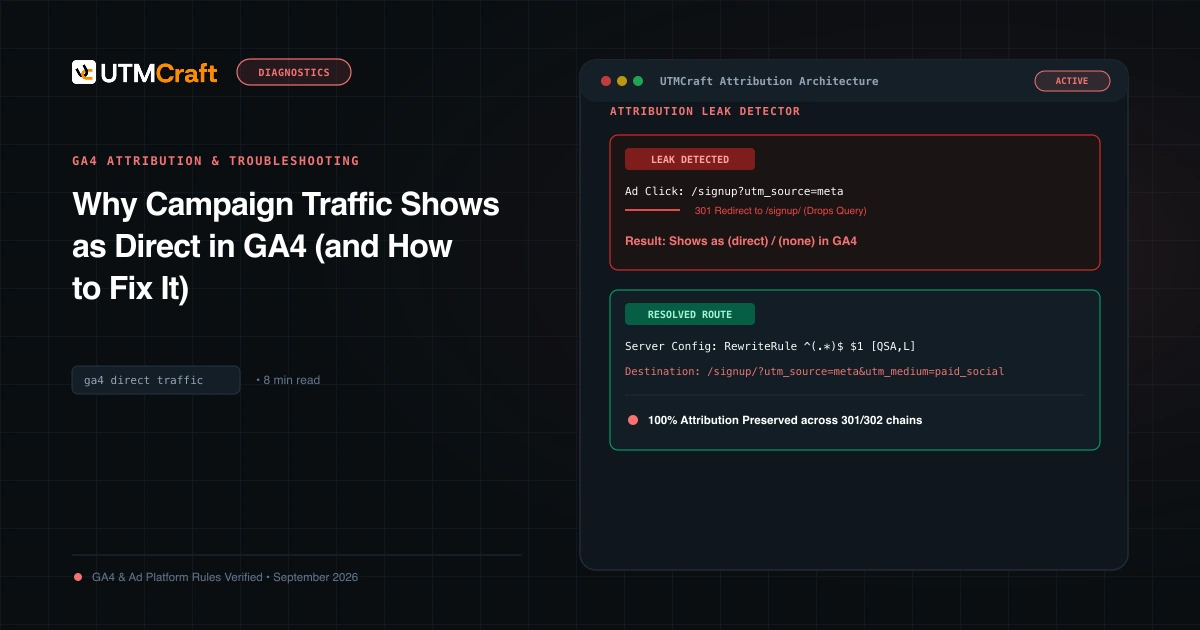
Many ChatGPT clicks still carry no referrer. If a link also lacks the tag, for example when someone copies a URL out of an answer, GA4 has nothing to classify it with. See why campaign traffic shows as Direct.
For the broader setup, read Google Begins September 2026 Spam Update: Global Rollout May Take Two Weeks. Browse the Search News & Updates guides to choose another troubleshooting task.
References
- OpenAI Drops UTM Parameters From ChatGPT Results (GPT-6) (Search Engine Roundtable)
- ChatGPT Traffic Drop Appears To Be A Tracking Problem (Search Engine Journal)
- ChatGPT appears to drop UTM tracking, making AI referral traffic harder to measure (Search Engine Land)
- Publishers and developers FAQ (archived October 4, 2026) (OpenAI Help Center)
- How traffic source dimensions are updated (Google Analytics Help)
- Default channel group (Google Analytics Help)