

Meta Ads UTM Tracking: Setup, Placement Tracking & Reporting Best Practices
Learn how to set up Meta Ads UTM parameters properly. Best practices for source/medium conventions, placement tracking, and diagnosing Meta traffic in GA4.
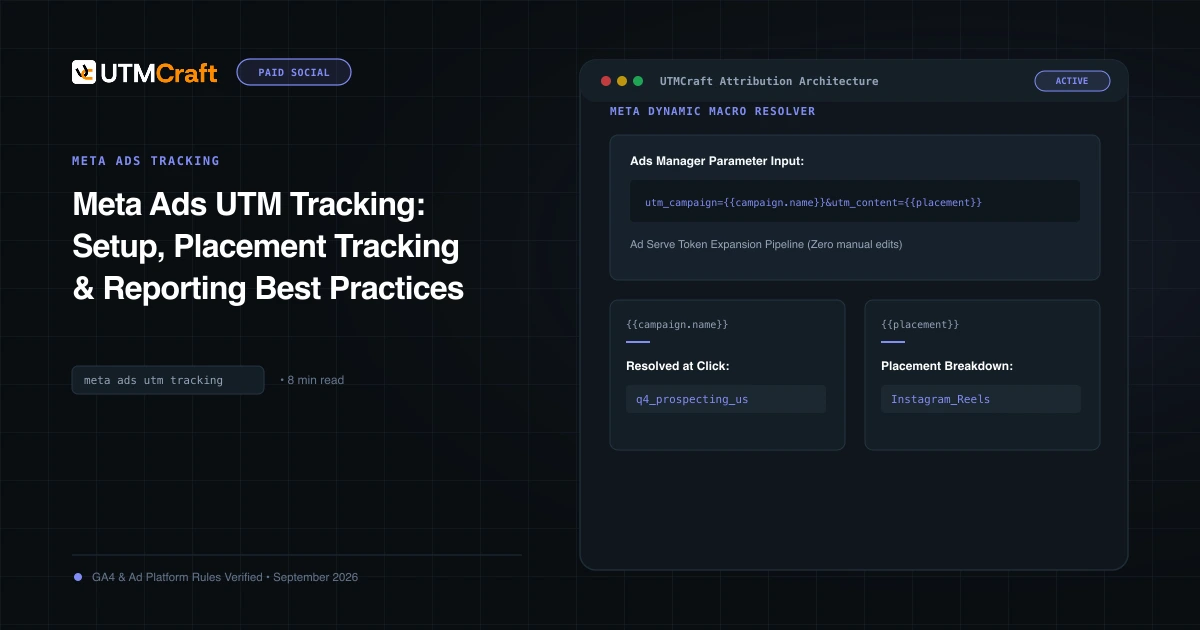
Table of Contents
Setting up UTM tracking for Meta ads requires knowing where in Ads Manager to apply your parameters, which source/medium conventions guarantee proper GA4 channel categorization, and how to track multi-placement campaigns without creating separate ad variations.
Source & Medium Standards: facebook vs meta
A frequent debate among growth marketers is whether to use utm_source=facebook or utm_source=meta. Here is the technical breakdown:
- utm_source=facebook: Recognized natively by Google's social platforms list. When paired with
utm_medium=paid_socialorcpc, GA4 automatically buckets it into Paid Social. - utm_source=meta: More accurate for multi-platform campaigns (Instagram + Facebook + Messenger). However, in older GA4 regex iterations,
metarequired custom channel configuration. Today,facebookor dynamicsite_source_nameremains the safest choice. - utm_medium=paid_social: Non-negotiable. Never use
social-paidorboosted.
Where to Paste Parameters in Ads Manager
Do not paste UTM parameters directly into the Website URL field at the top of the ad creation screen. If you paste parameters there, you cannot update them in bulk across multiple ads.
Scroll down to the Tracking section of the ad and enter your parameters into the URL Parameters field. Do not include a starting question mark (?). Meta will automatically merge these parameters with your website URL at runtime.
Tracking Advantage+ Placements (Feed vs Reels)
When running Advantage+ placements, add placement={{placement}} to your URL parameters. In GA4, register placement as a custom event-scoped dimension to evaluate whether Instagram Reels or Facebook Feeds drive higher engagement and conversion rates.
How to Diagnose Meta Traffic in GA4 Reports
Go to Reports > Acquisition > Traffic acquisition. Look at Paid Social. Add a secondary dimension for Session campaign. If your sessions display {{campaign.name}} as raw unpopulated text, your ad manager preview or third-party tool failed to expand Meta's dynamic macros!
Sources & Authoritative References
- Best practices for Meta URL parameters (Meta Business Help Center)
Related Measurement Guides
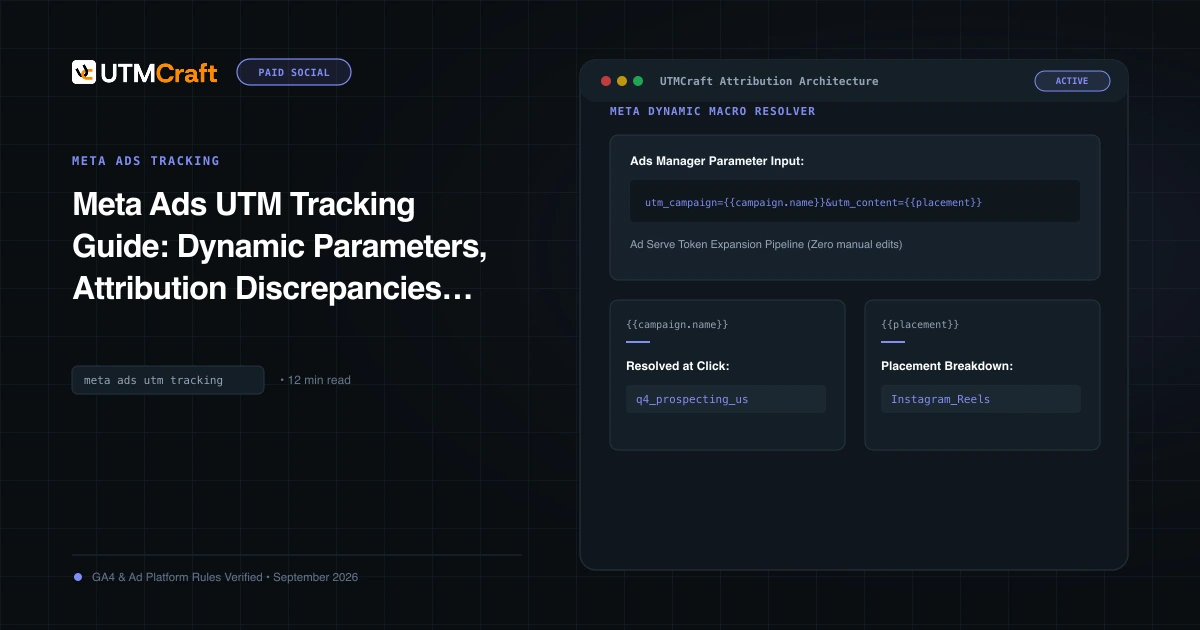
Meta Ads UTM Tracking Guide: Dynamic Parameters, Attribution Discrepancies & Setup
The definitive guide to Facebook and Instagram UTM tracking. Configure Meta dynamic URL parameters, reconcile Ads Manager vs GA4 attribution, and track placements.
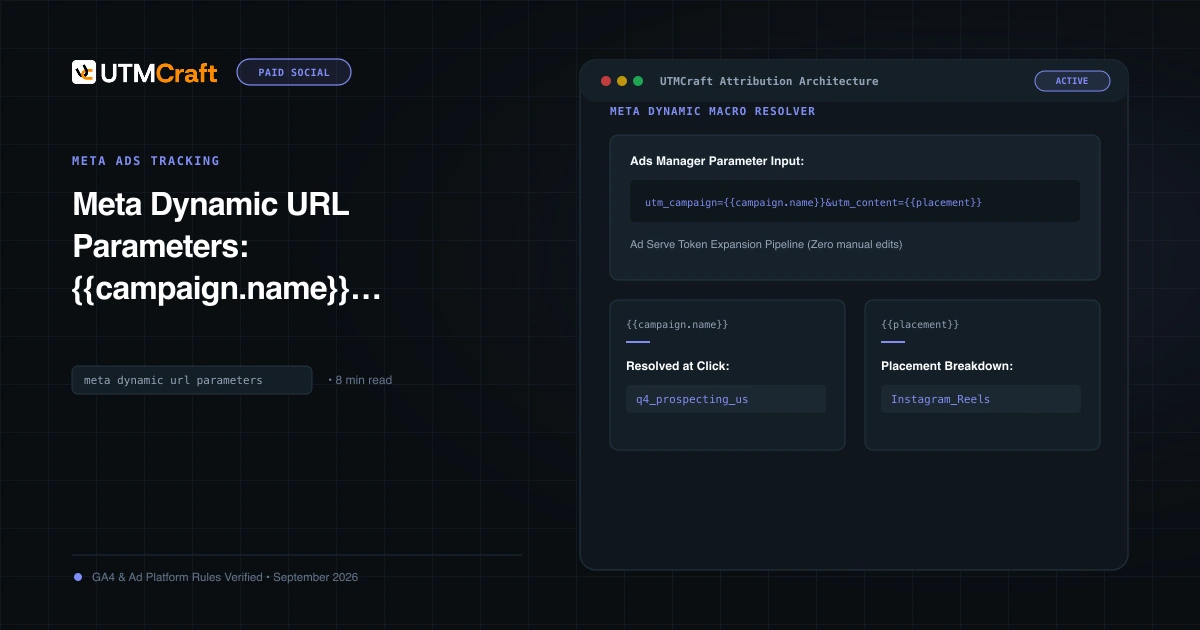
Meta Dynamic URL Parameters: {{campaign.name}}, {{adset.name}}, and {{ad.name}} Guide
Master Meta dynamic URL parameters. Learn syntax rules, how tokens expand at click time, and how to prevent raw token strings from appearing in GA4.
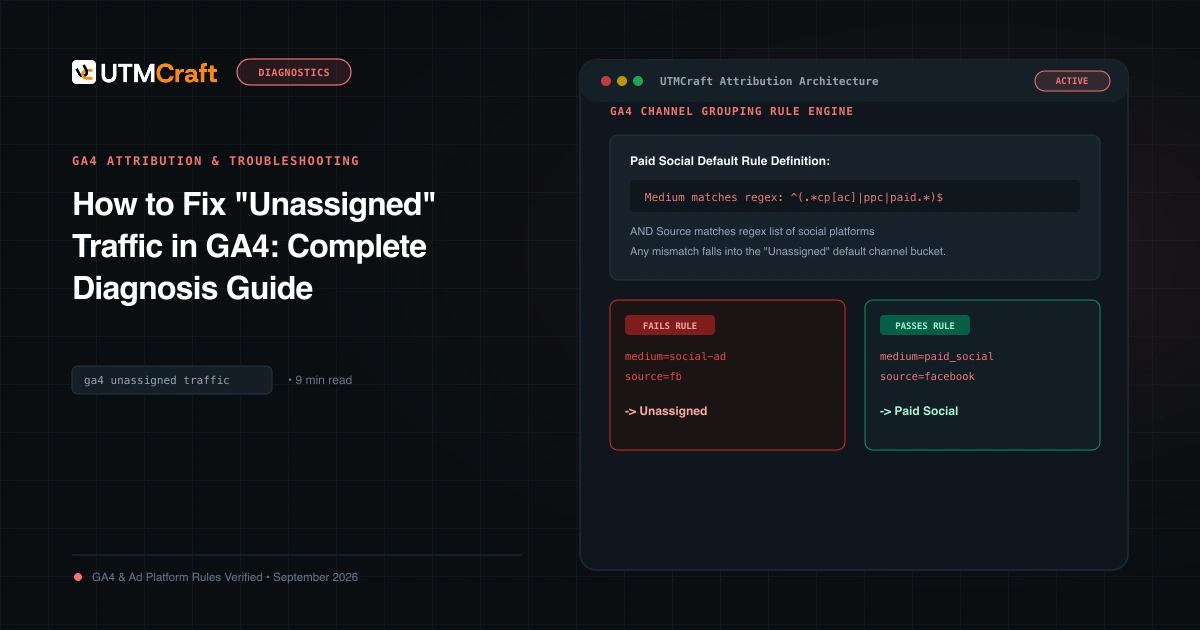
How to Fix "Unassigned" Traffic in GA4: Complete Diagnosis Guide
Why does GA4 show Unassigned traffic? Discover the exact channel grouping regex rules, common medium mistakes, and how to fix Unassigned traffic permanently.