Table of Contents
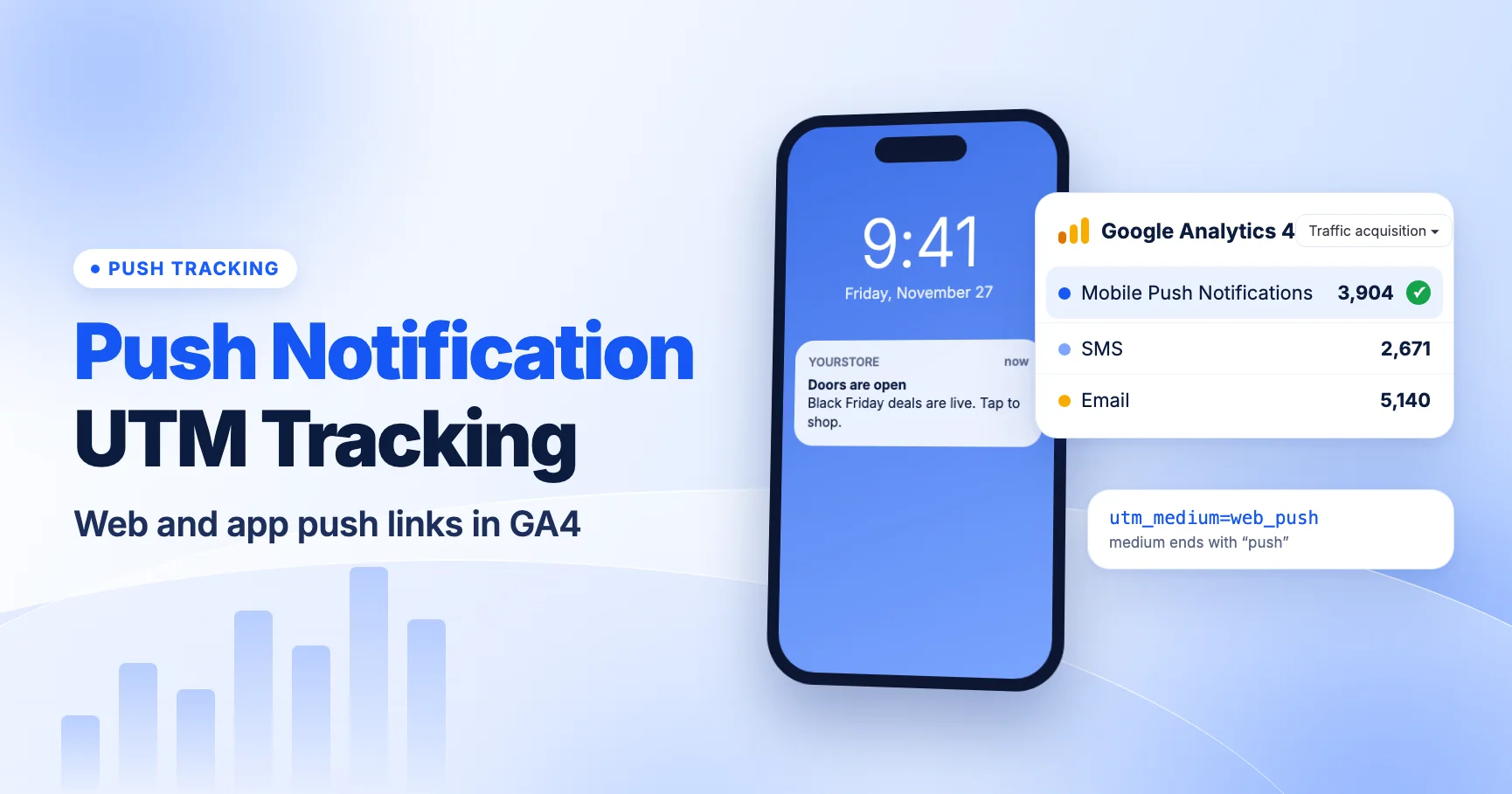
Tag push notification links with a utm_medium that ends in push, such as push or web_push, and GA4 will put the clicks in its Mobile Push Notifications channel. That works for web push and for app push that opens a web page. If an app push deep-links into an app screen, though, the website never sees the click. The app's SDK measures that open, so UTMs on a web URL won't help unless the app reads them.
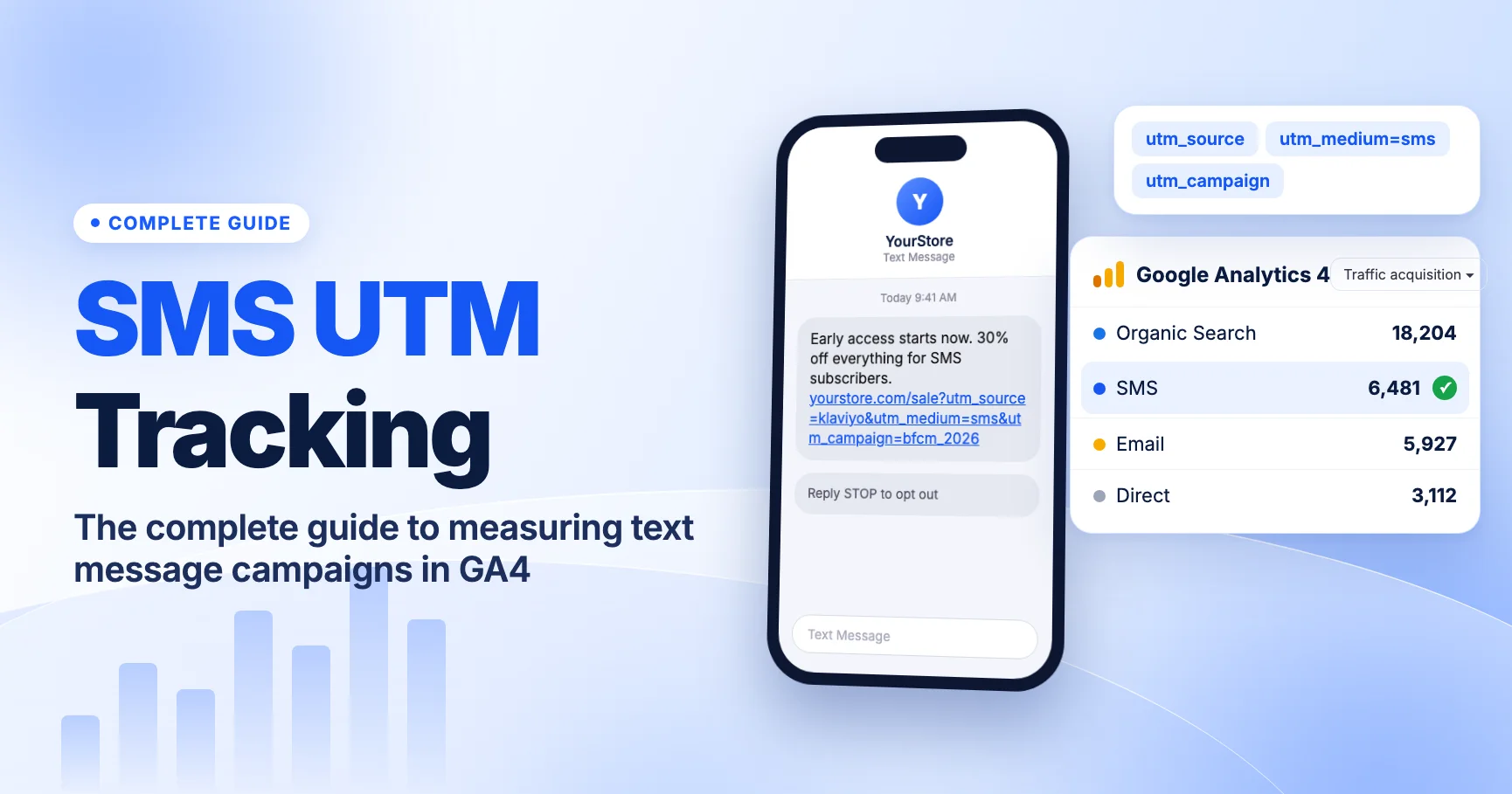
This guide is part of our messaging cluster. If you haven't set up SMS tracking yet, start with the complete guide to SMS UTM tracking in GA4. Push follows the same logic: tag every link, use a medium GA4 recognizes, and test a real click before you send.
Web push vs app push: two different tracking problems
"Push notification" covers two things that get measured in different places.
- Web push is sent through the browser to someone who allowed notifications on your site. Clicking it opens a URL in the browser. Your GA4 web tag loads on that page and reads the UTMs like any other campaign link.
- App push is sent to an installed mobile app, often through Firebase Cloud Messaging or a vendor built on top of it. Tapping it usually opens the app, sometimes on a specific screen (a deep link). Sometimes it opens a web page instead.
The question to ask for each notification is simple: where does the tap land?
| Notification type | Where the tap lands | What measures it | Do UTMs on the link work? |
|---|---|---|---|
| Web push | A page on your website | GA4 web data stream | Yes, normally |
| App push opening a web URL | Your website, in a browser or in-app browser | GA4 web data stream | Yes, if the URL loads your tagged site |
| App push with a deep link | A screen inside your app | The app's analytics SDK (for example, Firebase / GA4 app stream) | Only if the app reads and logs them |
| App push with a universal or app link | The app if installed, the website if not | App SDK or web tag, depending on the device | Only on the web fallback, unless the app handles them |
Most reporting confusion comes from treating these as one channel. A web push campaign can show up cleanly in GA4 web reports while the same message sent as app push shows almost nothing there. That's not a tracking failure. The app traffic just lives in a different data stream.
How GA4 classifies push traffic
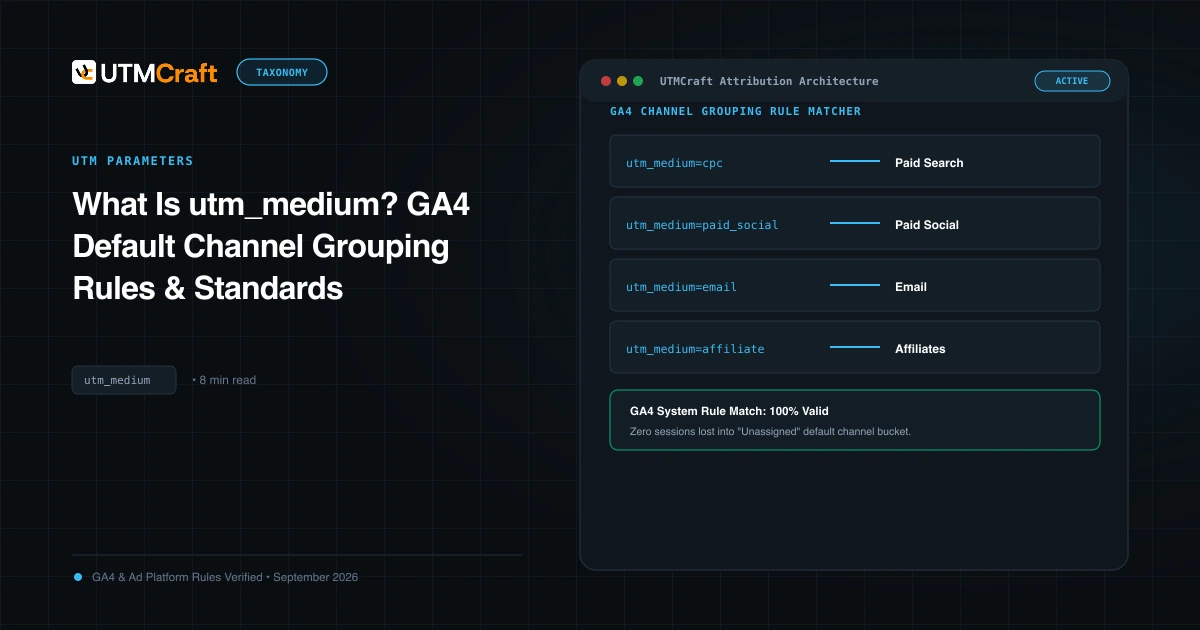
GA4's default channel group has a Mobile Push Notifications channel. According to Google's default channel group documentation, a session lands there when:
- Medium ends with
push, or - Medium contains
mobileornotification, or - Source exactly matches
firebase.
Despite the name, nothing in that rule checks the device. A web push clicked on a desktop browser still lands in "Mobile Push Notifications" if the medium ends in push. That's fine. It keeps web and app push in one channel, and you can split them with the medium value.
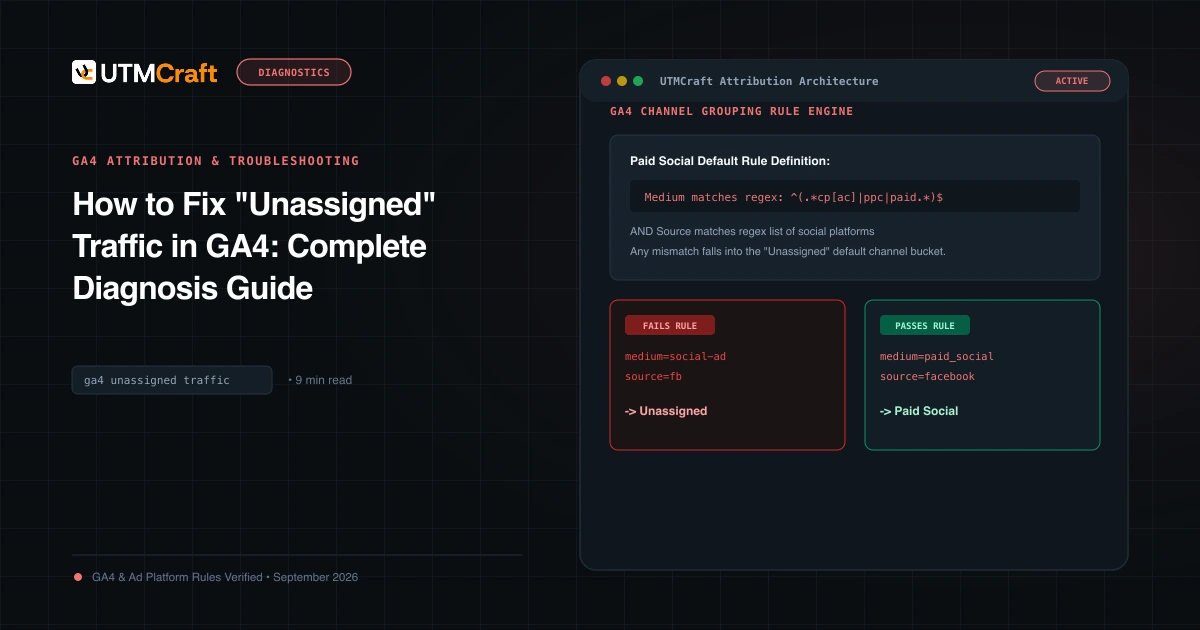
If the medium doesn't match any rule, the session goes to Unassigned. If the link has no UTMs at all, a notification click usually arrives with no referrer, so GA4 is likely to report it as Direct. Both outcomes hide your push results. The same thing happens with text messages, as we explain in why SMS traffic shows as Direct or Unassigned. Our guides on GA4 Unassigned traffic and Direct traffic troubleshooting cover how to spot this in existing data.
Recommended utm_medium values for push
We recommend picking one value per push type and never improvising. Use lowercase. Here's how common values behave against the default rule:
| utm_medium | Matches Mobile Push Notifications? | Why |
|---|---|---|
push | Yes | Ends with "push" |
web_push | Yes | Ends with "push" |
app_push | Yes | Ends with "push" |
webpush | Yes | Ends with "push" |
push_notification | Yes | Contains "notification" |
push-web | No (Unassigned) | Doesn't end with "push" and has no "mobile" or "notification" |
browser-alert | No (Unassigned) | No matching pattern |
pn | No (Unassigned) | Abbreviations don't match anything |
Our pick: web_push for browser notifications and app_push for app notifications that open a web page. Both land in the right default channel, and you can still tell them apart in a Session medium report. If you only run one type, plain push is fine.
Watch the word order. push-web and push_app look harmless, but they don't end with "push", so they fall through to Unassigned. Put the qualifier first.
Source, campaign and content
- utm_source: the sending platform or the site, for example
onesignal,braze,klaviyooryourstore. Pick one convention and keep it. Avoidfirebaseas the source for web push. It also matches the push channel, but it misdescribes where the click came from. - utm_campaign: the same campaign name you use in email and SMS for the same promotion, such as
fall-sale-2026. That lets you compare channels for one campaign. - utm_content: the message variant, such as
reminder-1orcta-shop-now.
A complete web push link looks like this:
https://example.com/sale/?utm_source=onesignal&utm_medium=web_push&utm_campaign=fall-sale-2026&utm_content=reminder-1
For more on choosing values, see the utm_medium guide and our SMS UTM naming templates, which use the same structure for text messages.
Tagging web push links
Web push is the easy case. The click opens a normal URL, so standard UTM rules apply.
- Find the UTM settings in your push tool. Many web push and marketing platforms can append UTMs automatically. Check your account for a default medium. If it sends something like
notification, you're covered by the "contains notification" rule. If it sends something else, override it. - Tag the landing URL, not a redirect. If the platform wraps links in its own click-tracking redirect, confirm that the final URL still carries the UTMs. Our guide to redirects that remove UTMs explains what to look for.
- Don't double-tag. If the platform adds UTMs automatically and you paste an already-tagged URL, you can end up with two
utm_mediumvalues. See duplicate UTM parameters. - Keep personal data out. Don't put subscriber IDs, emails or names in UTM values. Google's policies don't allow personally identifiable information to be sent to Analytics.
App push, Firebase and the deep-link caveat
This is where most push tracking plans break down.
When an app push opens a screen inside your app, the session is measured by the app's analytics SDK (for most teams, Firebase / the GA4 app data stream). Your website's GA4 tag never runs. Whatever UTMs you put in the deep link are just text in a URL unless the app does something with them.
To get campaign attribution for app opens, the app has to handle it. In practice that means:
- Read the parameters in the app. When the app opens from a notification or deep link, the code parses the source, medium and campaign values from the link or the notification payload.
- Log them with the SDK. The app sends those values to analytics in the format its SDK expects. The Firebase / GA4 SDKs have a documented way to record campaign details for app sessions. Your developers should follow the current SDK docs for your platform rather than guessing.
- Use the same values as web. If web push uses
utm_medium=web_pushandutm_campaign=fall-sale-2026, the app should logapp_pushand the same campaign name. Consistent names make cross-stream comparison possible.
A few more things to know:
- Firebase notification events are separate. If you send through Firebase Cloud Messaging with Analytics enabled, Firebase may log notification events (such as opens) in the app stream. Those events tell you a notification was opened. They don't put the session into your web campaign reports. Check your Firebase and GA4 app setup to see which events you actually receive.
- Universal links and app links split traffic. A link that opens the app when it's installed and the website when it isn't will produce two kinds of data. Web fallback clicks get your UTMs. App opens get only what the app logs.
- In-app browsers are web traffic. If the push opens a web page inside an in-app browser, that page still runs your web tag. Treat it like web push and tag it.
If your team can't add app-side campaign handling right now, be honest in your reporting. Report app push results from the push platform or the app stream, and don't expect them in the web Mobile Push Notifications channel.
QA before you send a push
Push is hard to test after the fact because the message is gone once it's sent. Check these before every campaign:
- Send a test notification to yourself on each target: desktop browser, Android, iPhone (where your setup supports it).
- Tap it and look at the address bar. Confirm the final landing URL still has
utm_source,utm_mediumandutm_campaign, with no duplicates. - Check GA4 Realtime or DebugView. Confirm the session appears with the right source and medium. The channel group may take longer to show up in standard reports.
- Test the deep link separately. For app push, confirm what happens with the app installed and with it uninstalled. Note which path your UTMs actually reach.
- Check the medium against the rule. Does it end with
push, or containmobileornotification? If not, fix it before sending.
Our UTM QA checklist and how to test UTMs cover the general process in more detail.
Reporting push in GA4
Once links are tagged correctly, push results are easy to find:
- Traffic acquisition report: set the primary dimension to Session default channel group and look for Mobile Push Notifications.
- Split web from app push: add Session medium as a secondary dimension to separate
web_pushfromapp_push. - Compare with other channels: filter by Session campaign to see push next to email and SMS for the same promotion.
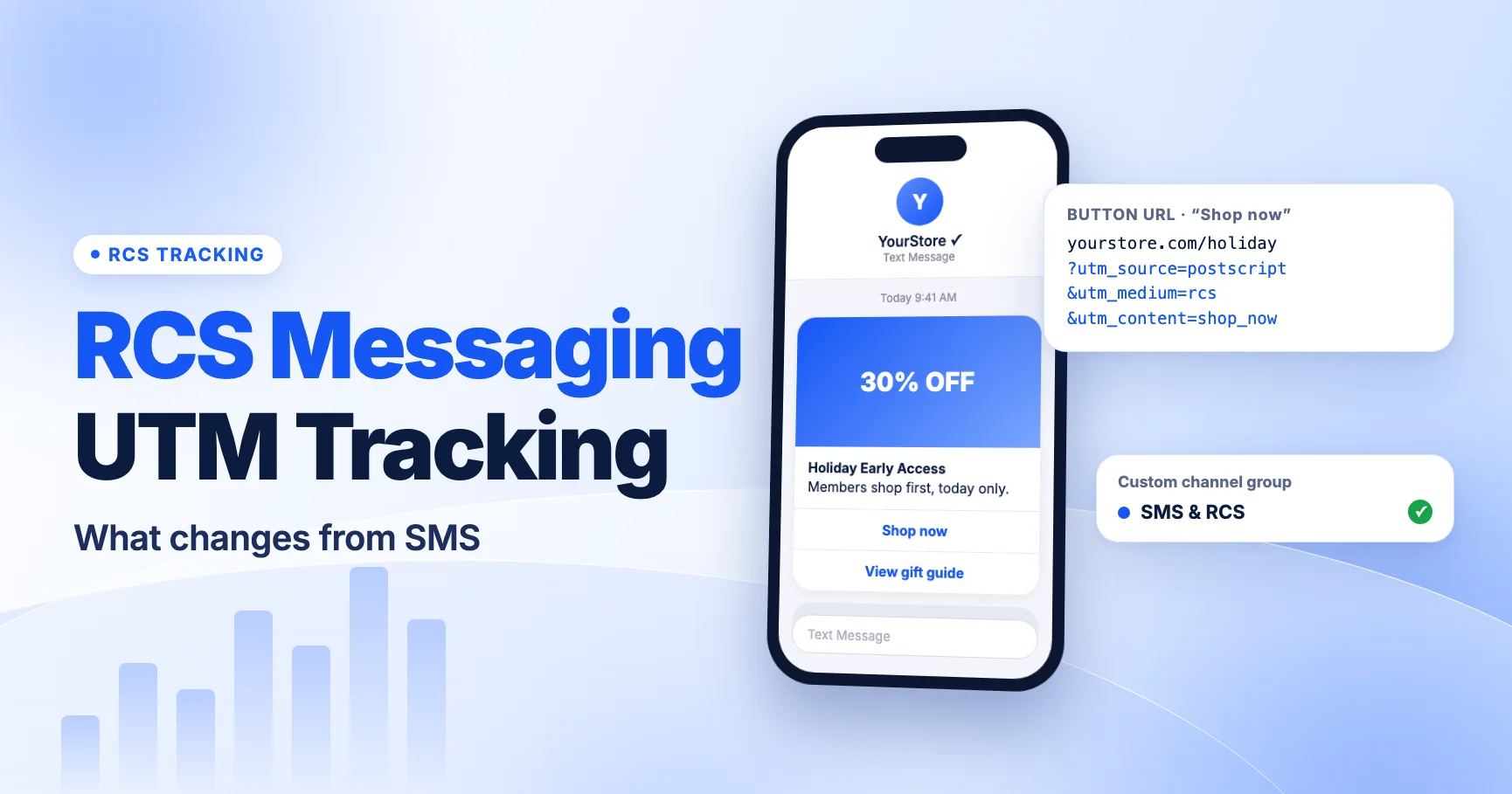
If you'd rather see all owned messaging together (SMS, push, email), you can build a custom channel group under Admin > Data display > Channel groups. Google notes that custom channel groups apply to reports retroactively. See [GA4] Custom channel groups. If you also send RCS, our RCS UTM tracking guide shows a channel group rule for text messaging.
What to do now
- List every tool that sends push for you, web and app.
- For each one, check its default
utm_medium. Change anything that doesn't end inpushor containnotification. - Standardize on
web_pushandapp_push(or justpush), lowercase. - Use the same
utm_campaignnames as your email and SMS sends. - Ask your app team whether deep-linked opens log campaign values. If not, add it to the backlog and report app push from the app stream until then.
- Send a test push and confirm the session in GA4 before every launch.
Build your push links in UTMCraft so every campaign uses the same values.
FAQ
What utm_medium should I use for push notifications?
Use a lowercase value that ends with push, such as push, web_push or app_push. GA4's default rules put any medium ending with "push" in the Mobile Push Notifications channel.
Why is my web push traffic showing as Unassigned?
The medium probably doesn't match GA4's rule. Values like push-web, pn or browser don't end with "push" and don't contain "mobile" or "notification", so GA4 can't assign them. Rename the medium for future sends.
Does web push on desktop count as Mobile Push Notifications?
Yes, if the medium matches. GA4's rule checks the medium and source values, not the device. The channel name is just a label.
Do UTMs work in app push deep links?
Not on their own. A deep link opens the app, and the app's SDK measures that session. The app has to read the campaign values and log them. Web fallback clicks still use the UTMs normally.
Should I use firebase as utm_source?
Only if Firebase is truly the source of the click. GA4 does treat source=firebase as push traffic, but for web push we recommend naming the actual sending platform and relying on the medium for classification.
For the broader setup, read SMS UTM Tracking: The Complete Guide to Measuring Text Message Campaigns in GA4. Browse the SMS & Messaging Tracking guides to choose another troubleshooting task.
References
- [GA4] Default channel group (Google Analytics Help)
- [GA4] Custom channel groups (Google Analytics Help)